12
Preparing to use the handset
S1_SL1 / englisch / A31008-X150-B103-1-7619 / starting.fm / 02.10.2003
The various display symbols have the following meanings:
Correcting wrong inputs
After a correct input you will hear a confirmation tone (rising tone sequence). An incor-
rect input is indicated by an error tone (descending tone sequence). You can repeat the
input.
If you have entered the wrong character in the text, you can correct it as follows:
Deleting characters to the left of the cursor with clear
To correct a phone number or text, move the cursor to the right of the incorrect charac-
ter with the control key. Then press the display key . The character is deleted. Now
enter the correct character.
Inserting characters to the right of the cursor
If you have left out a character, use the control key to move the cursor to where you
want to insert the character, and then enter it.
Overwriting characters
When entering Date/Time the number of digits is fixed and there is a default entry in
the field. Use the control key to move the cursor to the wrong digit and overwrite it.
Overwriting characters to the right of the cursor
When entering Cost per Unit: the number of digits is fixed and there is a default entry
in the field. Use the control key to move the cursor to the left of the wrong digit and
then overwrite it.
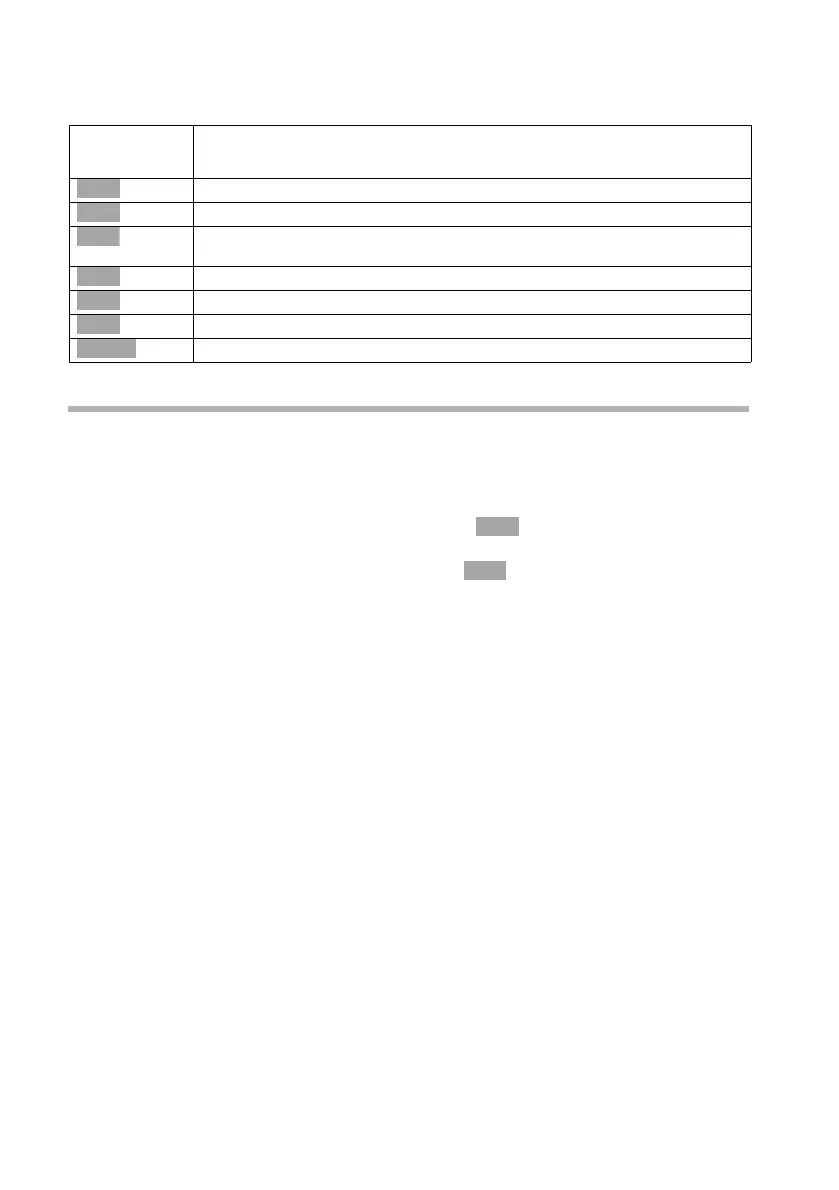
Display
Icon
Meaning when pressed
Last number redial key: Open the list of the last 10 numbers you dialled.
OK key: confirm menu function or confirm an input and store.
Menu key: Activates the main menu when in standby.
Open a status-dependent menu while making a call.
Menu+ key: Open submenu, e. g. in input fields
Delete key: Delete input from right to left one character at a time.
Escape key: Go back one menu level, or cancel the operation.
Open email directory.
Þ
OK
à
Ð
Û
Ý
ä
Û
Û



 To Next Page