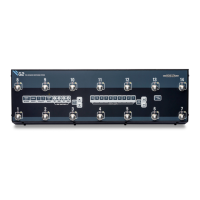
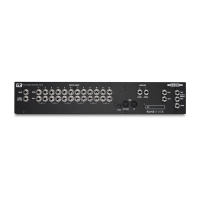
THE ADVANCED SWITCHING SYSTEM
THE GIGRIG G3 USER MANUAL
EXPRESSION PEDAL MIDI
There are two EXP inputs in G3. Each expression can control up to two CC messages, so you have the choice of
which expression pedal you want to use to send your EXP commands.
The Expression Pedal Midi control is located within the Expression Pedal sub menu.
Expression menu screen
Scroll right (4)
Scroll down (2)
Select one of the two available midi messages per expression pedal
To edit, press footswitch 4
Using footswitch 1 or 2, select ‘midi message on’
Scroll right (4) to select midi channel
Scroll right (4) again to select heel CC value
Scroll right (4) again to select toe CC value
Finally, scroll right (4) to select control number
PLEASE NOTE - When using the Expression Pedal to control Pre or Post Gain volume controls, unity gain is with
the TOE value set to 90. Setting it louder will give you a boost when using your expression pedal to control Pre
or Post Gain.


 To Next Page