Click to select the case file to be opened, then click "Okay" to open and load the case file
information.
When there are many case data, select one inquiry item, enter the key information, then click
"Search" to query.
6.7 Delete Data File
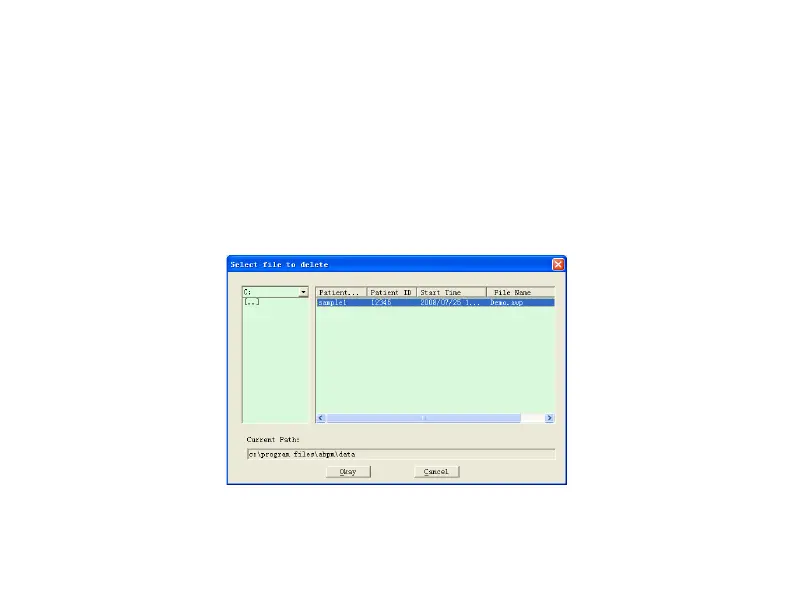
If you feel some patient data are not necessary, you can delete them. Select "Delete Data" from
menu to enter its sub-menu shown as below.
Figure 6.7 Data File Delete


 To Next Page