15
Girard Systems © 2005
switch rotational distance. (A 1/4 turn represents approximately 1" of awning movement.)
Turn the switch the estimated amount, keeping your hand away from the box as the awning
closes. Make sure the motor does not continue to run or hum after the box is closed; if it
does, open the awning a few inches and back the switch up in the (-) direction. Repeat this
procedure until the motor turns off at the exact moment the awning box closes.
TestING Anemometer
1. Partially extend awning.
2. Blow or spin anemometer cups to check retraction. Awning must retract; if not, check
motor connections for proper polarity.
adjustING Pitch angle angle
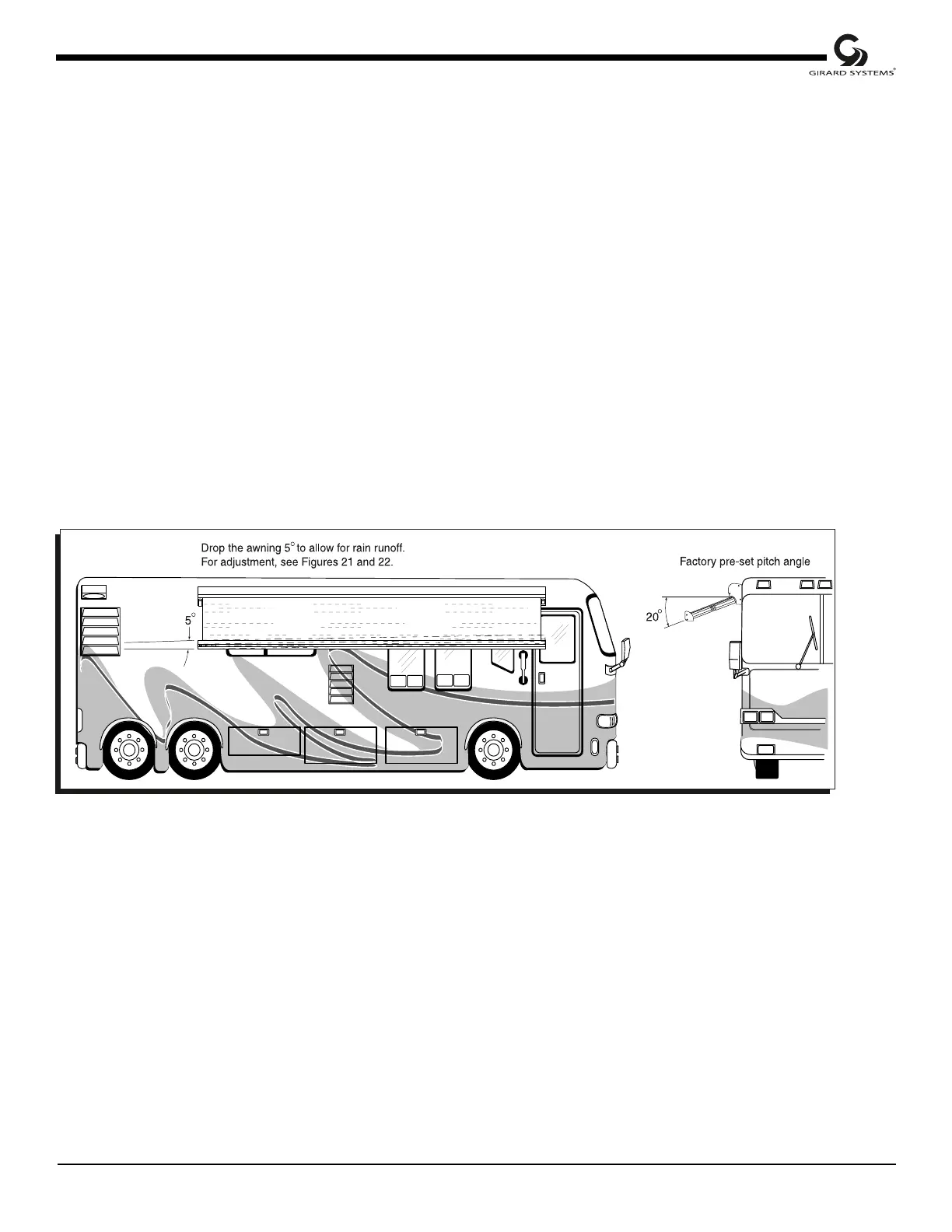
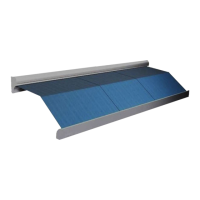
Figure 6
resetting factory pre-set pitch angle
The awning comes factory pre-set with a pitch angle of approximately 20
º
(Fig 6), the minimum
angle recommended for proper rain runoff. To increase this angle, loosen the pivot bolt located on
the outside upper joint of each arm using a 3/4" or 19mm wrench. Use the same wrench to lower
or raise the pitch angle by turning the adjustment bolt clockwise to lower, counterclockwise to raise.
(See Figs. 7 and 8.)



 To Next Page