LSA6000 User Manual, March 2021 8
© 2017 Global Payments Inc.
CONFIDENTIAL
Setting Up the LSA6000 Hardware
Follow these steps to set up the LSA6000:
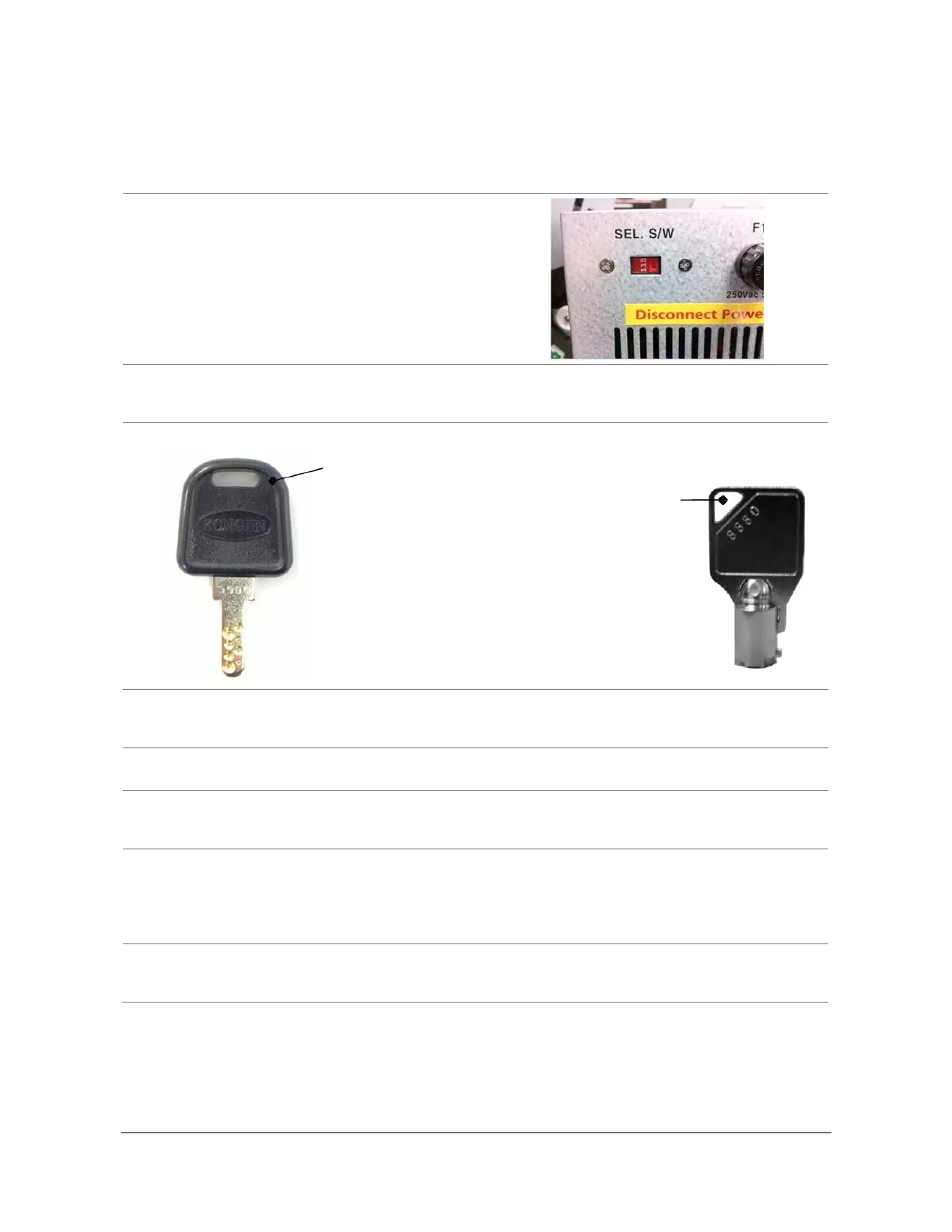
1. Verify the incoming power voltage (115/220V) for
your location, and check the switch on the power
supply of the ATM (should be defaulted to 115V).
2. Verify that the telephone line or Internet connection for the ATM is in proper working order. Make sure
there is no voicemail on the line (pulse noise when you first lift the receiver). Note: Digital phone lines
(Voice over IP) are not supported by this ATM.
3. Open the security door. (See Opening the Security Door on page 10.)
4. Remove the cash cassette from its packing box (removable cassette dispensers only). Fill the cassette or
cash drawer with the appropriate amount of notes, and carefully place it in the Cash Dispensing Unit. (See
Loading Cash into the Cassette on page 18.)
5. Before closing the vault, thoroughly test the combination lock by locking and unlocking the lock several
times. It is much easier to diagnose potential lock problems before shutting the door.
6. Open the top of the ATM. Place the receipt paper in the Receipt Printer. The paper prints only on one side
(shiny side). Always check the roll when you install the paper. Place the roll so that the coated side (shiny
side) is facing up. (See Loading Receipt Paper on page 21.)
7. Connect the power cable and the telephone cable to the appropriate outlets on the wall. Verify the AC
power outlet is grounded (3-prong plug).
If you are installing an optional topper sign, install the power cord through the top housing, and plug the
topper into the open connector located on the front of the power supply. Make sure the cable has enough
slack to allow the slide tray to open completely.
8. Turn the power on, and verify that all systems are operational. If any part on the system or its
programming is not operational, an error code will display along with instructions. If the error cannot be
corrected, please call our 24/7 CAMS support desk (800-500-1973).
Use this key to open the top
and bottom bezels. (2 keys
are included.)
Cassette Key
(Removable
Cassette)



 To Next Page