LSA6000 User Manual, March 2021 17
© 2017 Global Payments Inc.
CONFIDENTIAL
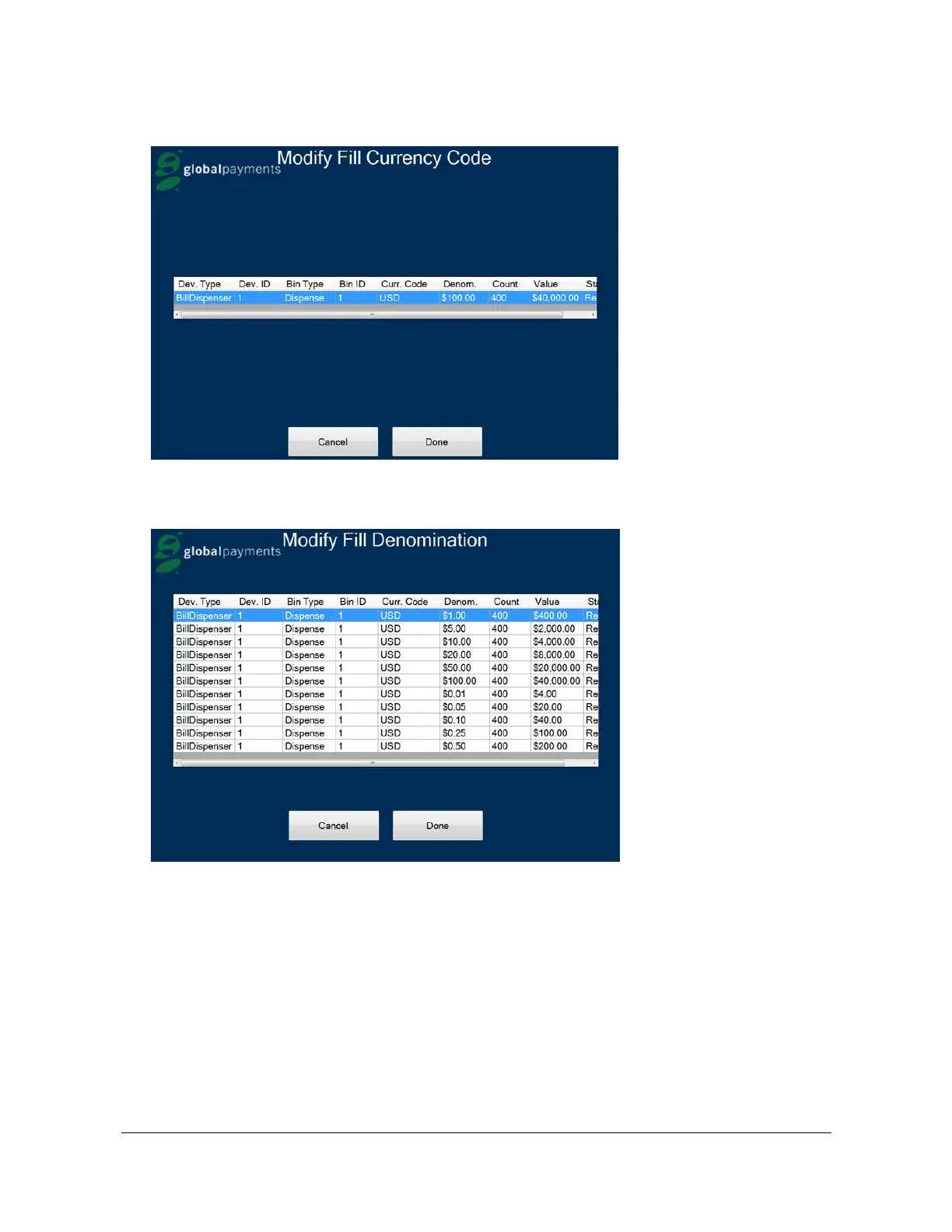
8. Press Done.
9. Select the denomination you want and press Done. The system confirms the changed currency and displays
the modified denominations.
10. When you complete the fill, press Done. The kiosk prints a Fill Receipt and displays the Main Menu.
Performing a Sub Drop
1. While on the Main Menu, pull the desired can.
2. If inserting a new can, highlight the can pulled, and select New before inserting the new can.
3. If replacing the can, highlight the can pulled, and select Replace before inserting the new can.



 To Next Page