LSA6000 User Manual, March 2021 46
© 2017 Global Payments Inc.
CONFIDENTIAL
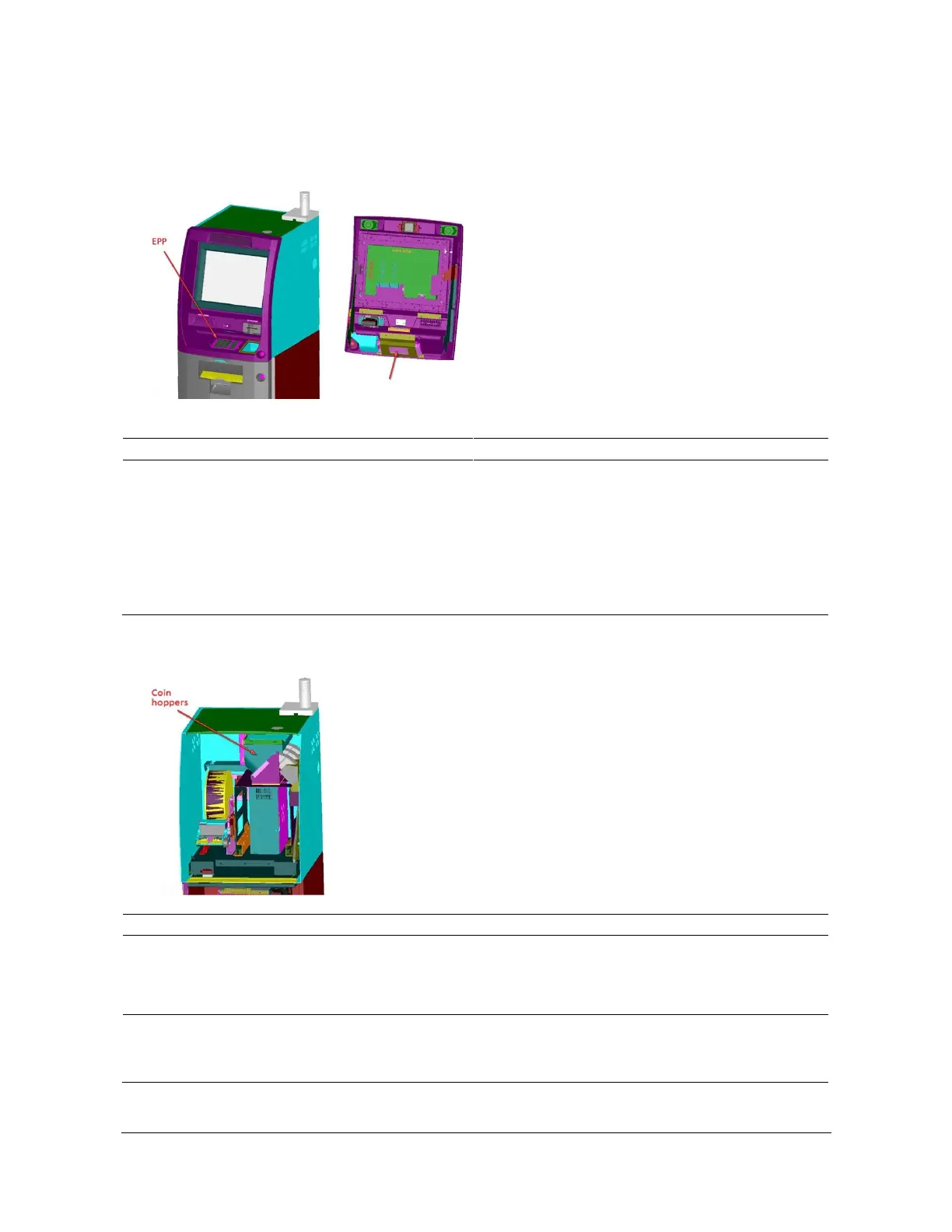
Encrypting PIN Pad
Note: Do not remove EPP from the bezel until the EPP’s mode has been switched to Maintenance mode.
Not responding to key press
1. Check for green light at the back of the LED for
power.
2. Check for blinking green light on the back of the
unit (CDP LED):
No light on CPU LED means that
removal protection mechanism is
triggered.
Replace EPP.
Failure to open COM port (COM6) and get status of
each coin hopper
1. Check the coin control board for LED light
indicating DC power.
2. Check the cable to each hopper for a loose
connection.
1. Check the coin hopper for a jam.
2. Check to see if the hopper is empty.
3. Check the coin drop path for blockage.



 To Next Page