LSA6000 User Manual, March 2021 47
© 2017 Global Payments Inc.
CONFIDENTIAL
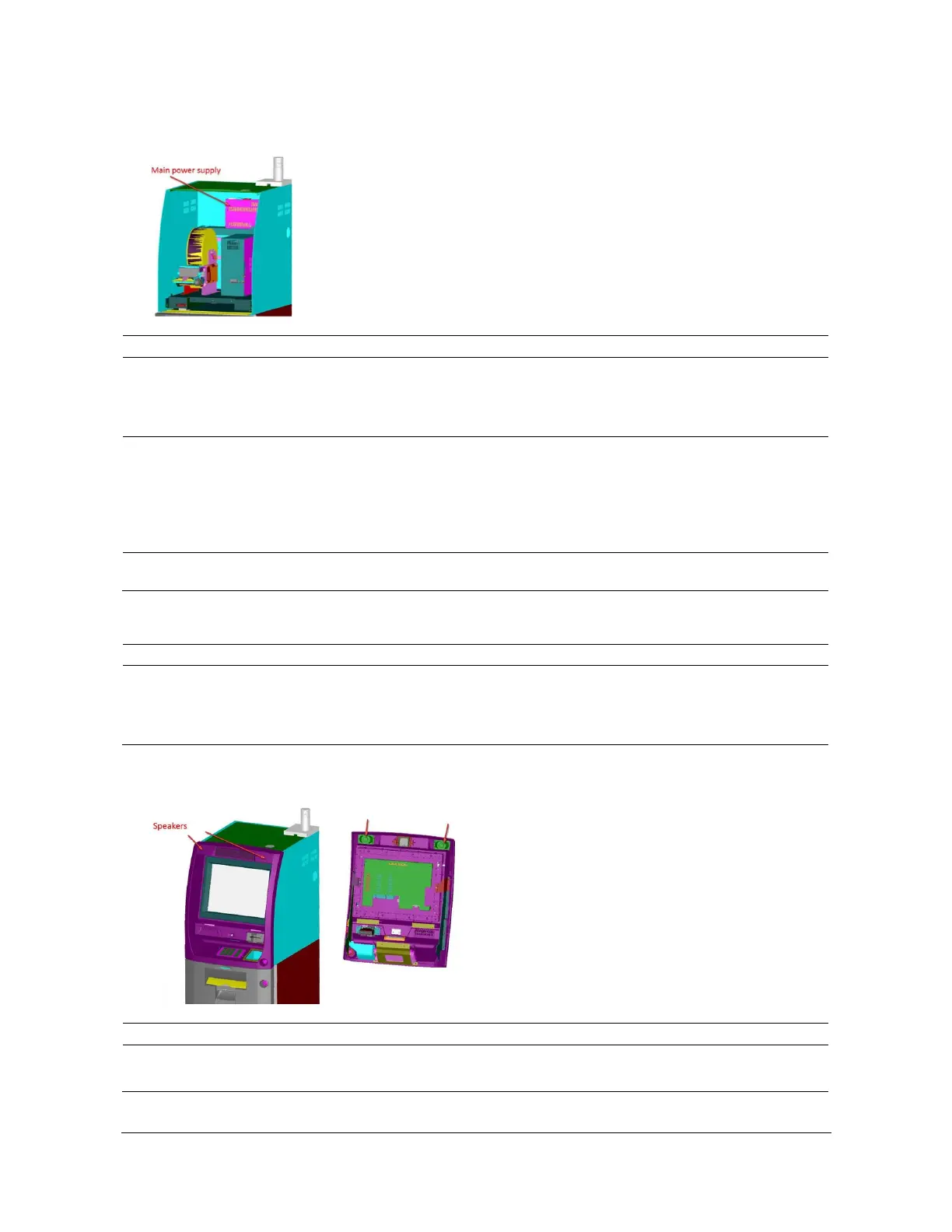
Main Power Supply
Main Power Supply Problem
No light on ON/OFF switch
1. Check the AC input cable to the power supply for
a loose connection.
2. Check the AC input cable connection to the wall
outlet or UPS.
1. Check the AC OUT cord on top of the power
supply for a loose connection.
2. Check the AC IN cord to back of PC for a loose
connection.
3. Check the power switch on both power supply
and PC unit.
Please call our 24/7 CAMS support desk (800-500-
1973).
1. Check the cable connection from the SIC board
to the flicker board.
2. Check to ensure the light signal on the flicker
board is working.
1. Check the sound cable at the back of the PC.
2. Check the sound cables at the SIC board.



 To Next Page