LSA6000 User Manual, March 2021 12
© 2017 Global Payments Inc.
CONFIDENTIAL
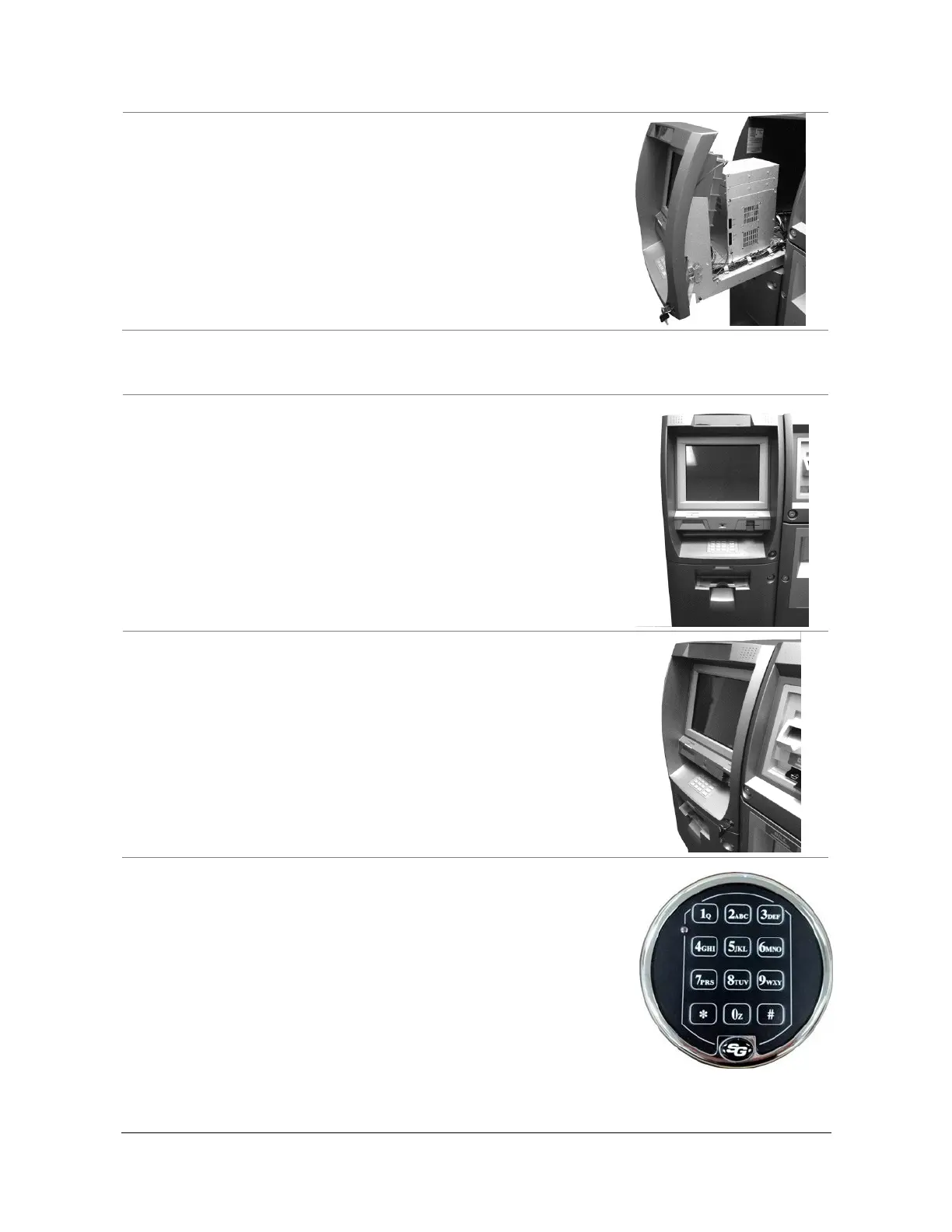
Operating and Changing the Electric Lock
The Sargent and Greenleaf Titan series electronic lock uses a touch key pad for
all lock functions. Power is supplied to the lock via a standard 9-volt alkaline
battery, contained within the external portion of the lock. The lock warns of low
voltage by repeatedly beeping.
The default combination is included in the lock manual.
Note: Before operating the lock or changing the combination, read the
instructions thoroughly. (See manufacturers lock manual included in the
“Open Me First Box.”)



 To Next Page