LSA6000 User Manual, March 2021 11
© 2017 Global Payments Inc.
CONFIDENTIAL
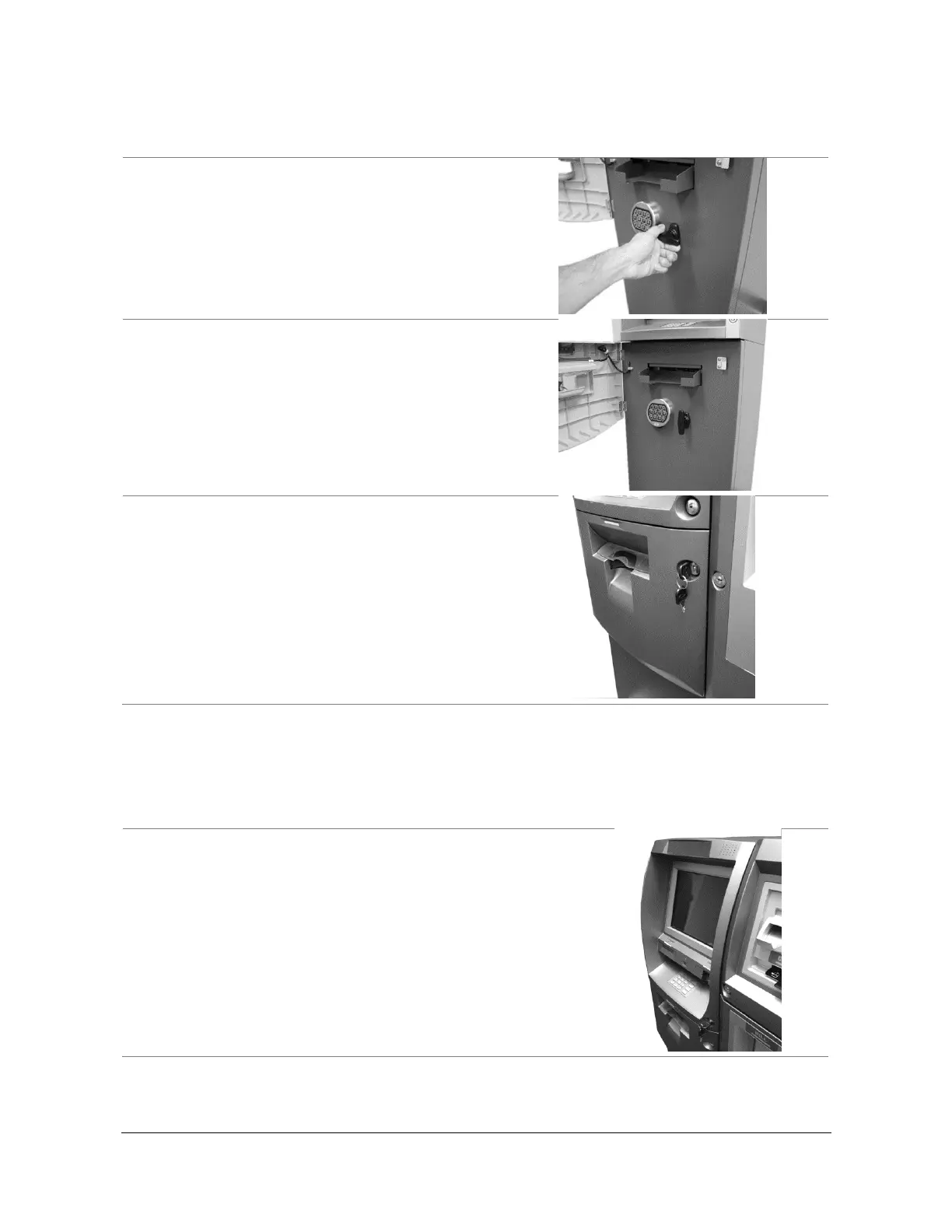
Closing the Security Door
Follow these steps to close the security door:
1. With the security door handle turned counter-
clockwise, close the security door and turn the
security door handle clockwise until it is locked. The
electronic lock mechanism will lock itself once the T-
handle has returned to its vertical position.
2. Check the T-handle to make sure the lock has
locked itself.
3. With the security cover key turned clockwise, close
the security cover, and turn the security cover key
counter-clockwise until locked.
Remove the key when it is locked.
Opening and Closing the Front Panel
Opening the Front Panel
Follow these steps to open the front panel:
1. Insert the front panel key and turn it clockwise.



 To Next Page