LSA6000 User Manual, March 2021 16
© 2017 Global Payments Inc.
CONFIDENTIAL
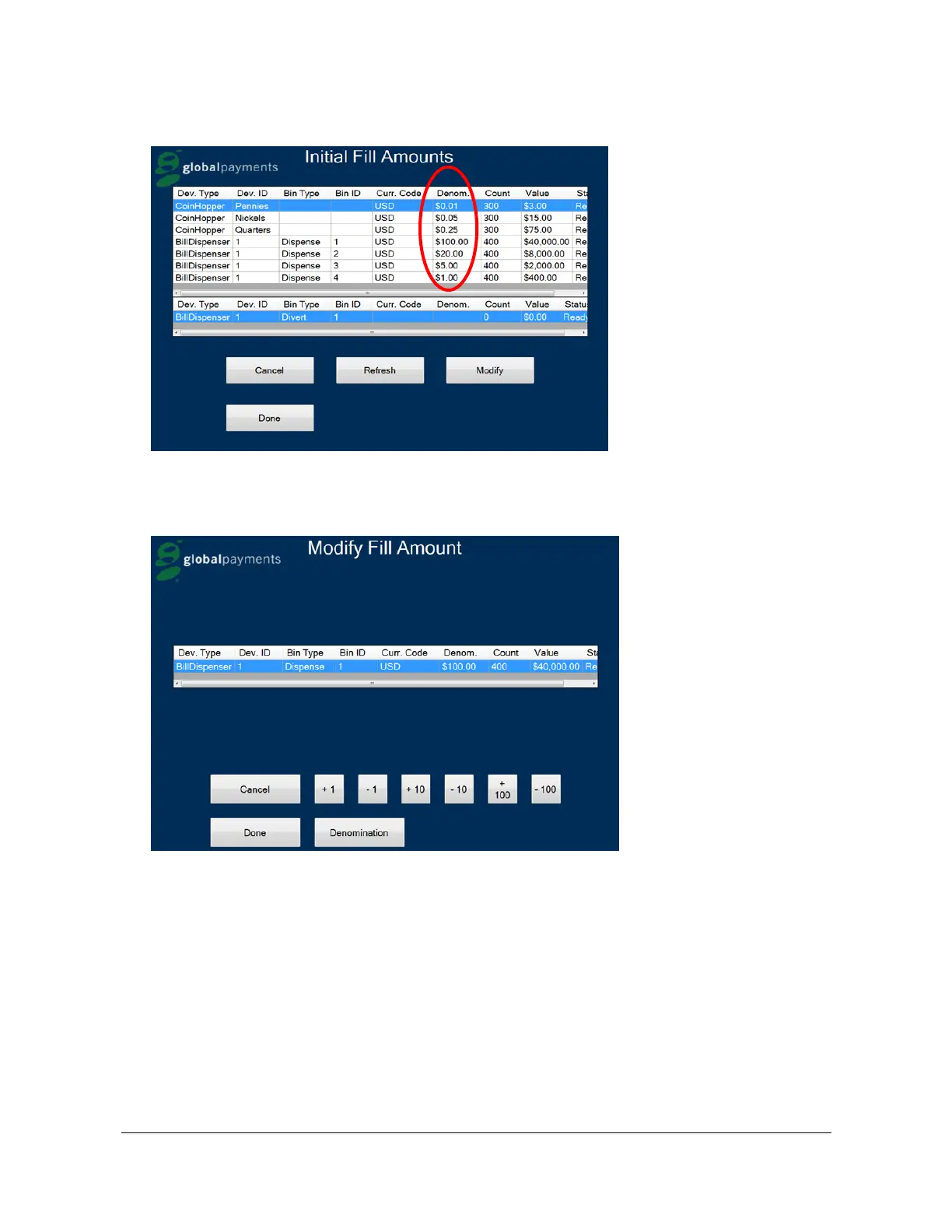
6. The Drop is now complete. The kiosk prints a Drop Receipt, and the Initial Fill Amounts screen displays.
7. To change the fill amount, select the appropriate denomination and press Modify. The Modify Fill Amount
screen displays. You can increase or decrease the amount by 1, 10, or 100 increments. To change the actual
dollar amount, press Denomination.



 To Next Page