Vehicle Equipment Installation Instructions
22
6.3 Performance Tests
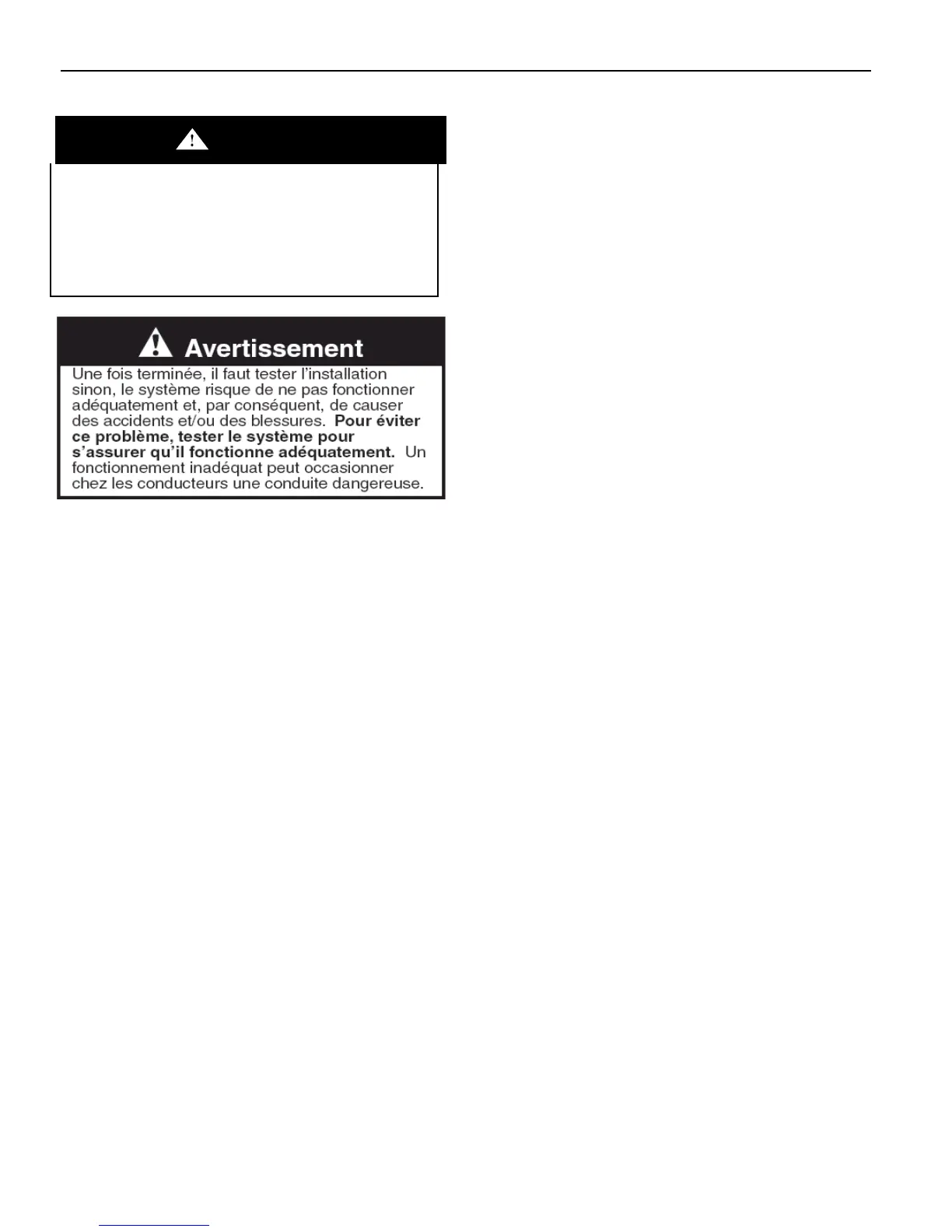
WARNING
A completed installation that is not tested may
result in improper system operation, which may
result in accidents and/or injuries. To avoid this
problem, test the system to verify proper
operation. Improper system operation may result
in unsafe driver action.
These installation instructions are the result of
tests performed in our laboratory and we believe
these tests to be accurate and complete.
However, each installation involves variables that
cannot be controlled or predicted. These
variables may affect the operational
characteristics of the system.
To ensure proper system operation, GTT strongly
recommends that, when the system is turned on,
the installer functionally tests the system using the
following procedure.
1. Place the Opticom GPS-equipped vehicle in
an area with GPS coverage. This is either
outdoors, away from nearby buildings and
overhanging trees, or inside of a garage that
has adequate GPS coverage.
2. Verify that the vehicle equipment acquires
GPS.
Turn the vehicle control unit on by pressing the
ON/OFF switch. The unit should acquire GPS
within a few minutes; however, it may take up
to 15 minutes. A green GPS indicator means
that GPS has been acquired. An amber GPS
indicator means that GPS has not been
acquired. If GPS has not been acquired within
15 minutes, turn the control unit off and wait
another 15 minutes. Then turn it back on. If the
unit still has not acquired GPS, verify that your
location has a good view of the sky. If you are
unable to acquire GPS, contact GTT Technical
Service or your dealer.
3. Verify that the vehicle radio/GPS unit is
transmitting information properly. The vehicle
radio/GPS unit will not operate if the system
has not acquired GPS. Therefore, this check
cannot be completed unless you have GPS.
Place the vehicle to be tested in close
proximity of another known good Opticom
GPS-equipped vehicle or intersection. This
vehicle or intersection also must have good
GPS coverage.



 To Next Page