33
INSTALLATION & COMMISSIONING MANUAL - REVISION 1.0 - 19.FEB.2007
COMMISSIONING
Logging In
To enter programming mode you need to log in.
The Panel must be powered up and must have initialized itself i.e. NOT be showing the ‘INITIALIZING’
message.
Press ENTER on the Keypad. You must now input your Installer access code. See page 6 Access Levels.
You have unlimited attempts but if code entry is not started within 10 seconds then the panel will revert
back to it’s default screen. While entering the code you are allowed up to 5 seconds between key presses.
Function Selection
The programming functions are arranged using a menu system.
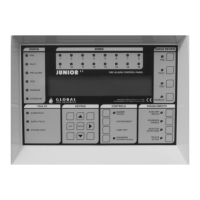
To select a function or sub-menu use either pq and ENTER.
ESC takes you up a menu level.
When required use the u to toggle between loops 1 and 2.
The top level menus are:
1 Review Historic Log
3 Zones - Disable & Assign
4 Sounders - Disable & Assign
5 Input/Output - Disable & Assign
6 Device Set-up
7 Monitor Device Counts & Test
8 General
Most functions operate in a consistent manner using the standard keys. The item that is being changed is
usually highlighted with a flashing cursor.
.
.
.
.
.
.
.
.
.
.
.
.
.
.
.
.
.
.


 To Next Page