29
Review Test Results
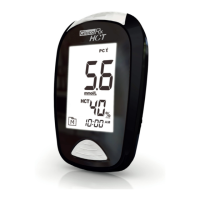
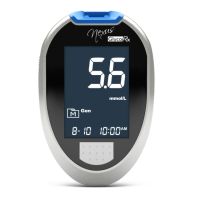
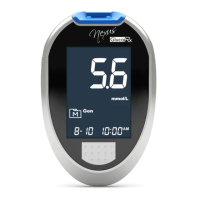
Your meter stores the most recent 1000 test results along with
respective dates and times in its memory. To enter memory mode, start
with the meter switched off.
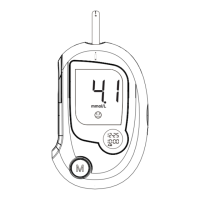
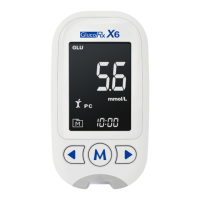
1. Press and release M.
“
” will appear on the display and the first reading you see is the last
test result with the date, time and measuring mode.
2. Press ◄ or ► to scroll through all the test results stored in the
meter. Press ► to view the old test result and press ◄ to see the new
ones. “toP” will be on display when you reach the latest test result. “End”
will be on display when you reach the oldest result. Press and hold M
to switch off the meter.
Reviewing Blood Glucose Average Results
1. Start with your meter switched off. Press and release ◄ to enter
memory mode for average results with “
” and “ ” displayed
on the screen. Your 7-day average result measured in general mode
will appear on the display.
2. Press ► to review 14-, 21-, 28-, 60- and 90- day average results
stored in each measuring mode in the order of Gen, AC, and PC.
3. Exit the meter memory.
Keep pressing M and your meter will turn off after displaying the last
test result.
NOTE
● Your meter must have sufficient results in memory for it to calculate
these day averages.
● Any time you wish to exit the memory, keep pressing M for 3
seconds or leave it idle for 1 minute. Your meter will switch off
automatically.
● Control solution test results are NOT included in the day average.


 To Next Page