7
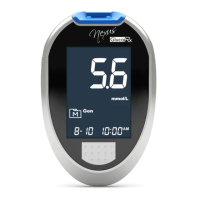
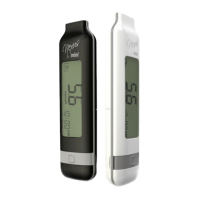
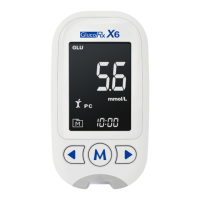
Meter Overview
1
3
2
4
6
5
8
7
1
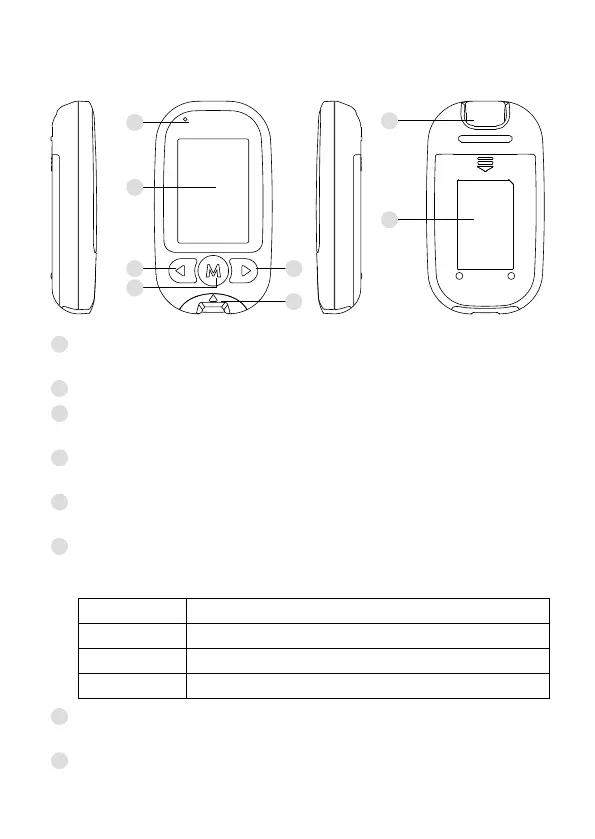
Bluetooth Indication Light
Bluetooth is available for alternative data transmission
2
Display Screen
3
Left Scroll Button (◄)
Enter Day Average and adjust value decrement.
4
M Button (M)
Enter the meter memory.
5
Right Scroll Button (►)
Bluetooth function and adjust value increment.
6
Test Strip Slot with Strip Indication Light
Insert test strip here to turn the meter on for testing. The indicator
lights up when results appear.
INDICATOR MEANING
Green Result in range
Red Result below/ above the range or ketone warning
Blue While the strip is inserted
7
Test Strip Ejector
Eject the used strip by pressing this button.
8
Battery Compartment


 To Next Page