www.glutz.com
- 14 -
Dierent operating modes are supported on the identication devices that can be programmed quite easily
using cards. The following graphic gives an overview of the dierent operating modes and the possible
crossovers between them.
2.7 Operating modes
System overview
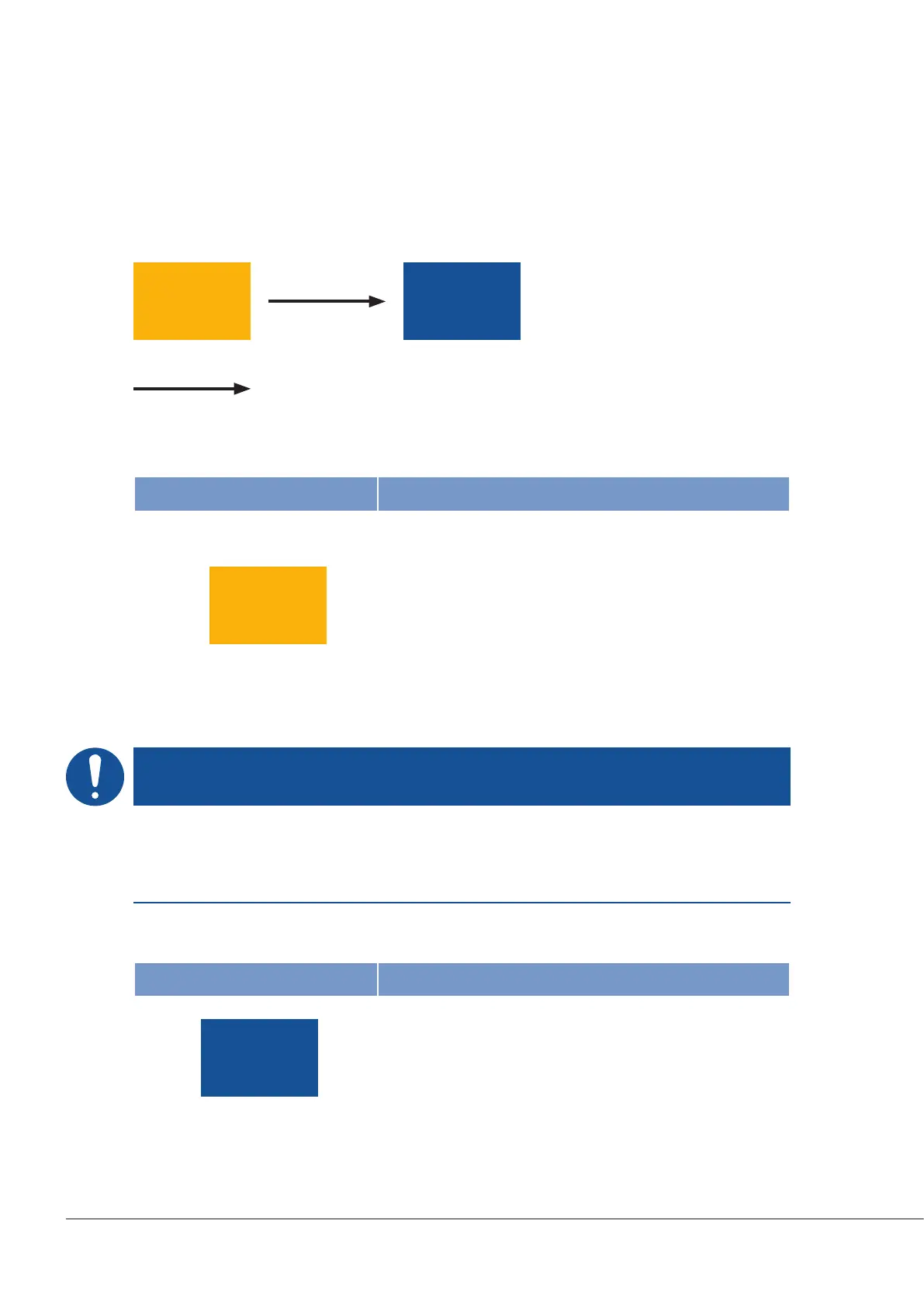
(FACTORY) (SINGLE)
Operating mode crossovers
NOTE
Access control
This operating mode does not offer any protection against unwanted access and should therefore be re-
placed with a secure operating mode as soon as possible.
SINGLE operating mode
FACTORY operating mode
Symbol Specification
All identification devices are supplied in FACTORY operating
mode. No authorisations can be configured in this mode. This
mode focusses on installation. In FACTORY operating mode,
access can be gained using any readable RFID media (exclud-
ing system cards) or with an optional code. Each time the door
opens, a signal is given to the user that they are using a non-se-
cure mode as the orange LED lights up instead of the green
LED. No special card set is required.
(FACTORY)
Symbol Specification
The SINGLE operating mode allows easy recording and hand-
ling of media in an individual system. All identification media
must be recorded on all devices. All authorisations are stored
on the E-devices.
(SINGLE)


 To Next Page