www.glutz.com
- 22 -
4.9 Selective deletion
4.10 Switching on Freepass
Operation
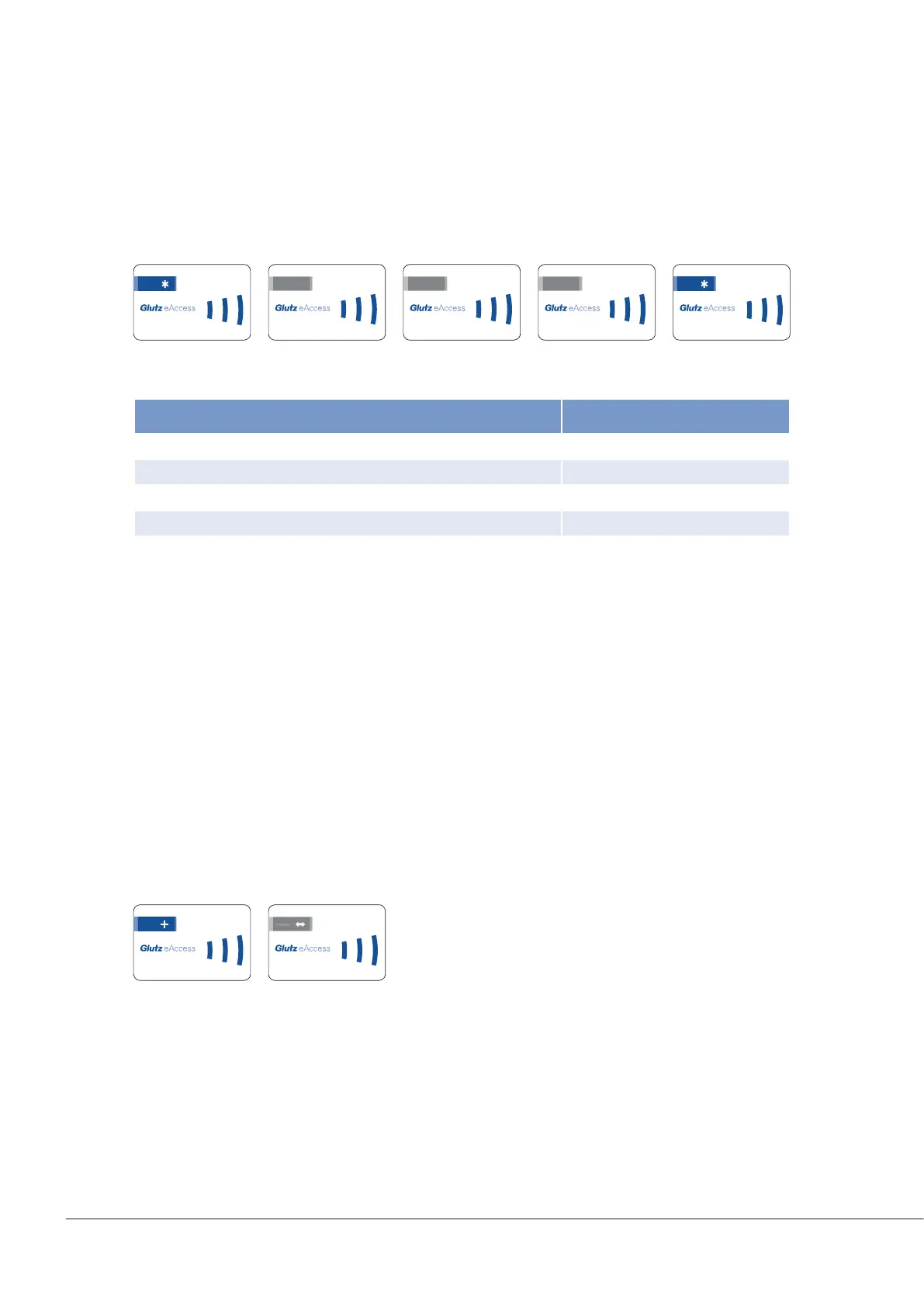
Various media, codes or functions can be deleted by presenting the system card and the relevant number
cards.
Sample process card order:
Application
The activated Freepass (factory setting: Freepass deactivated) causes the status to switch between open and
closed each time it is identied.
Example: when rst identied, the door is opened and remains open until a recorded media is presented
again.
Description
By presenting the plus card, the device switches to programming mode.
Present the Freepass card.
The Freepass is now activated.
Card order:
Possible deletions
123.456.789.0 123.456.789.0
123.456.789.0
8.7 9
123.456.789.0
8.8 9
123.456.789.0
8.9 9
123.456.789.0
123.456.789.0
Action Card order
Delete all UID media *980*
Delete all RFID media *981*
Delete all codes *982*
Delete pairing *991*
Restore factory settings (reset) *999*


 To Next Page