- 19 -
Operation
Application
If a medium is no longer going to be used (e.g. an employee leaves, etc.), it can be deleted. This process
deletes user media authorisations from a device.
Description
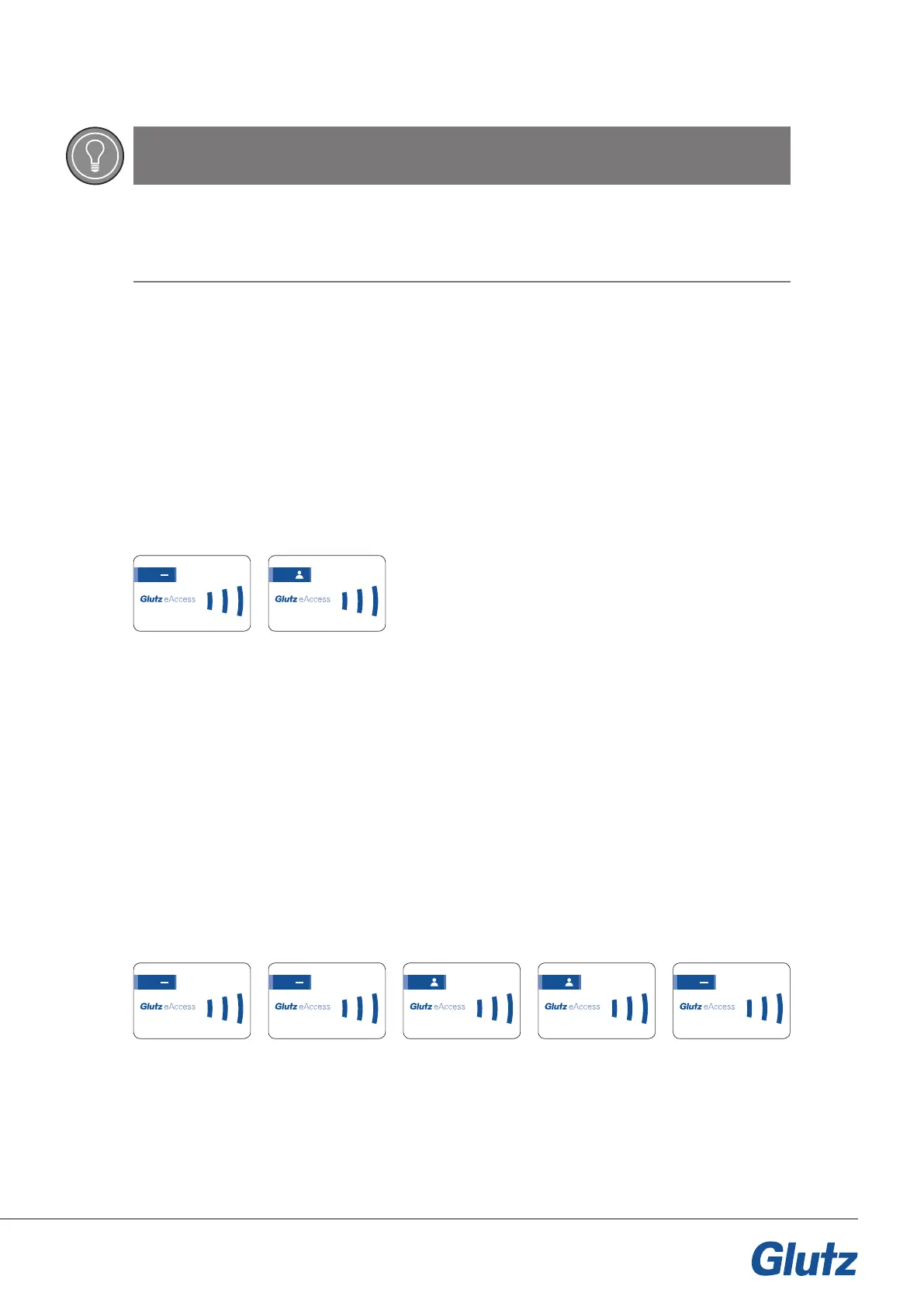
By presenting the minus card, the device switches to programming mode and the user medium can now be
deleted. The removed medium is now blocked.
Card order:
Application
If a multiple number of media are no longer going to be used (e.g. employees leave, etc.), they can be de-
leted. This process deletes user media authorisations from a device. Multiple media can be removed at the
same time.
Description
By presenting the minus card, the device switches to programming mode and the user media can be deleted.
To delete multiple media, the minus card must be presented twice. Present the media one after another, with
a gap of no more than 10 seconds between each one otherwise the process will be aborted. The process
should be conrmed using the minus card.
Card order:
TIP
Completion step forgotten
If the process is not completed using the plus card, all the media recorded so far will stay on the device and
the device will exit programming mode.
4.4 Deleting medium
Deleting multiple media
123.456.789.0
123.456.789.0 123.456.789.0 123.456.789.0
123.456.789.0
123.456.789.0 123.456.789.0



 To Next Page