- 25 -
The devices are initialised and commissioned.
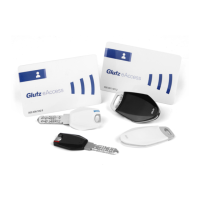
f The SINGLE card set is complete and available on site.
f The number cards are available on site.
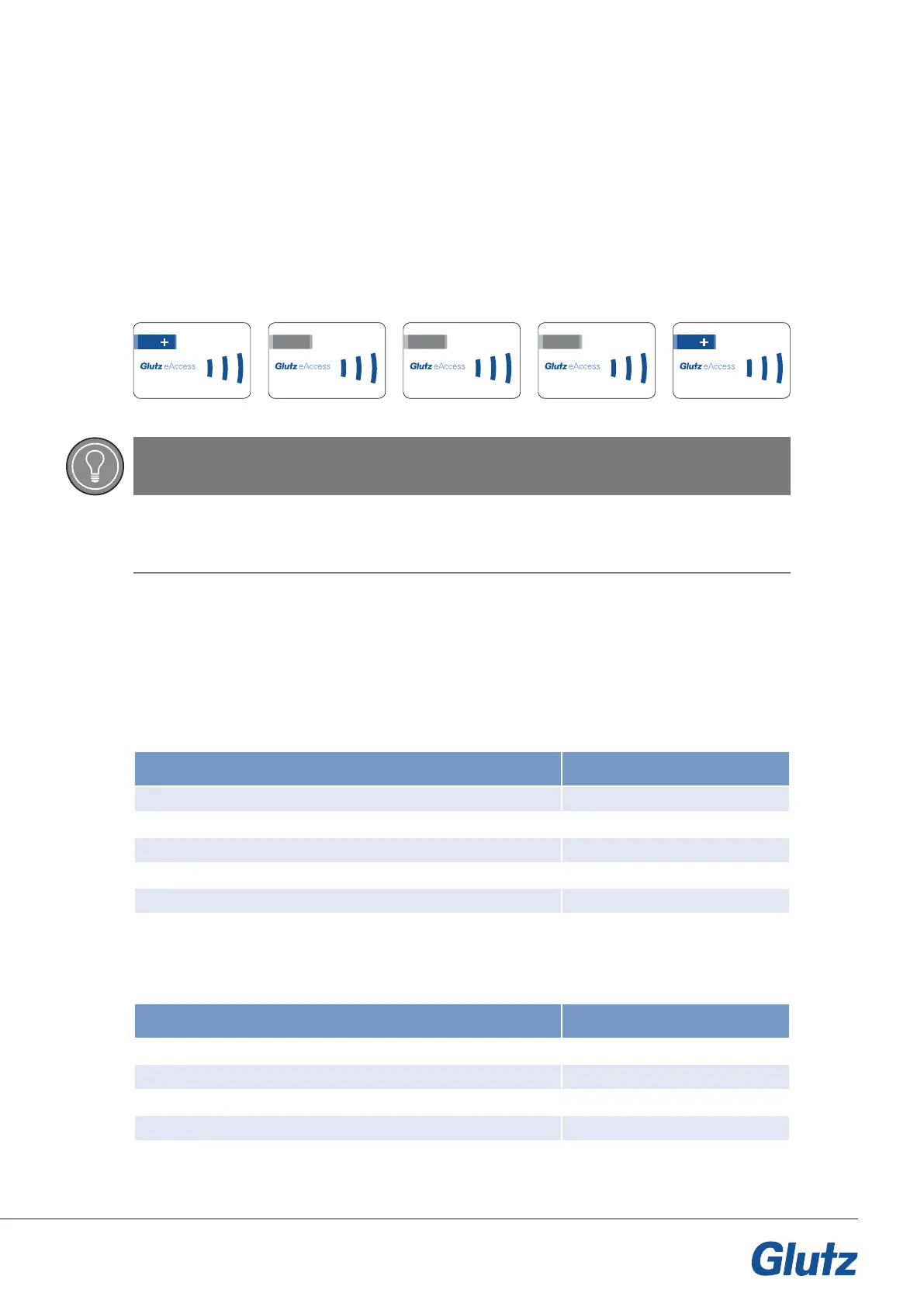
Devices are congured in SINGLE operating mode using the plus cards and a 3-digit conguration number.
Sample process
5.2 Setting the unlocking time
An unlocking time sets the opening time of the E-tting or the output of the E-reader.
Example:
If the time is set at three seconds (factory setting), the E-tting remains open for three seconds after the
user medium is presented and then locks automatically. The user is able to open the doors during this time.
5.3 Setting the unlocking time for remote opening
If the device is opened wirelessly (pairing), this is classed as remote opening. This time can be set.
5.1 Prerequisites
5 Device configuration
TIP
Caution
The input can only be carried out using the number cards, not on the keypad of the E-reader!
123.456.789.0 123.456.789.0
123.456.789.0
8.10 7
123.456.789.0
8.11 3
123.456.789.0
8.12 0
Configuration Card order
0 seconds/opening deactivated +700+
1 second +701+
3 seconds (factory setting) +702+
5 seconds +703+
10 seconds +704+
Configuration Card order
0 seconds/opening deactivated +715+
1 second +716+
3 seconds (factory setting) +717+
5 seconds +718+
10 seconds +719+


 To Next Page