www.glutz.com
- 18 -
f The devices are initialised and commissioned.
f The relevant card set for the operating mode is complete and available on site.
4.1 Prerequisites
4.2 Adding user medium
4.3 Adding multiple media
4 Operation
Application
Users can only gain access once their medium is recognised by the locking system.
Description
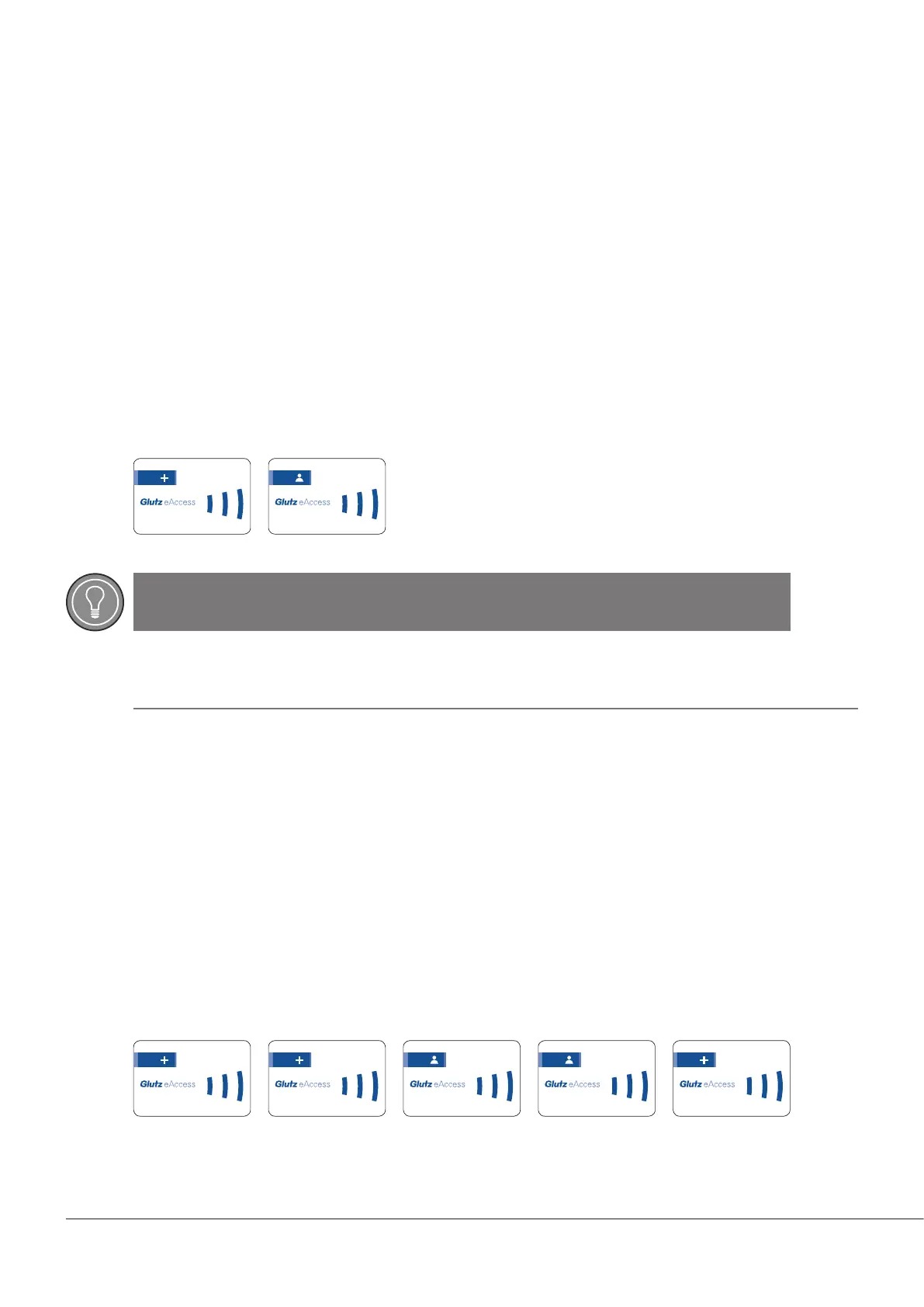
By presenting the plus card, the device switches to programming mode and the user medium can be cong-
ured. If successful, the medium will be immediately authorised for access.
Card order:
Application
Users can only gain access once their medium is recognised by the locking system. Multiple media can also
be congured at the same time.
Description
By presenting the plus card, the device switches to programming mode and the user medium can be cong-
ured. To record multiple media, the plus card must be presented twice.
Present the media one after another, with a gap of no more than 10 seconds between each one otherwise
the process will be aborted.
The process can be conrmed using the plus card.
Card order:
TIP
Lost media
Note down the media ID so that it can be deleted if lost.
123.456.789.0
123.456.789.0 123.456.789.0
123.456.789.0
123.456.789.0 123.456.789.0 123.456.789.0


 To Next Page