XRS-330C
37
MENU OPTIONS
The Menu provides access to all the settings, adjustments and functions listed
in the table below. All menu items are controlled using the MENU,
, and
BACK keys.
1. To access the menu, press the MENU key.
2. To scroll through the list of menu items press the
or keys.
3. To select an item, press the MENU key.
4. To step back through the menu, or to exit the current screen, HOLD
the BACK key.
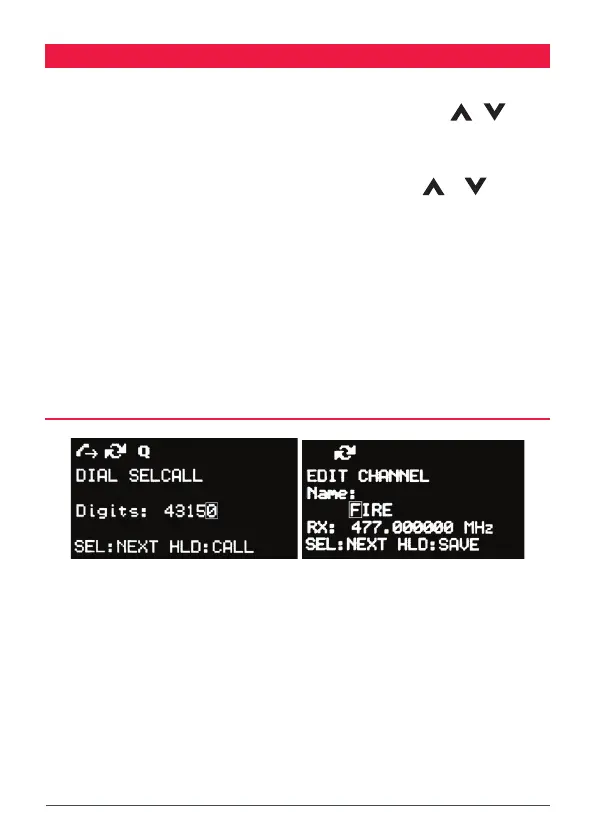
A context menu is included at the bottom of each screen. The options oered will
change depending on the selected topic.
SEL:OPTION = Briey press the MENU key to select the option.
HLD: OPTION = Press and hold the MENU key to select the option.
CONTEXT MENU EXAMPLES
SEL:NEXT =
Press MENU for NEXT
HLD:CALL =
Hold MENU for NEXT



 To Next Page