XRS-330C
42
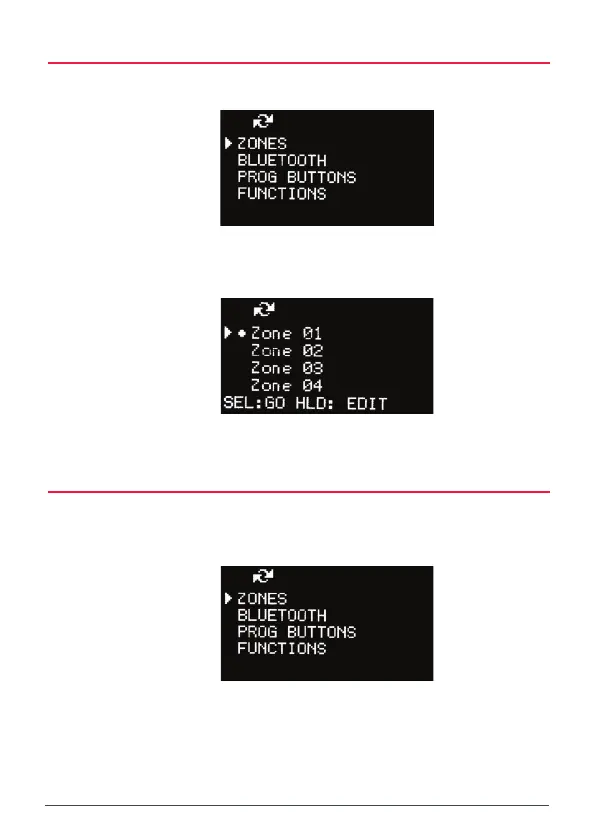
SELECT A ZONE
1. Press the MENU button.
2. Select ZONES and press MENU.
3. Select the desired zone from the Zone list.
4. Press MENU [SEL:GO].
EDIT A ZONE NAME
1. Press the MENU key.
2. Select ZONES and press MENU.
3. Select the desired Zone from the Zone list. To edit the zone, select
HOLD the MENU key [HLD:EDIT].
The zone edit screen appears.



 To Next Page