XRS-330C
54
4. Press BACK to exit back to the previous menu or hold the BACK key
to return to the main screen.
RADIO SETTINGS
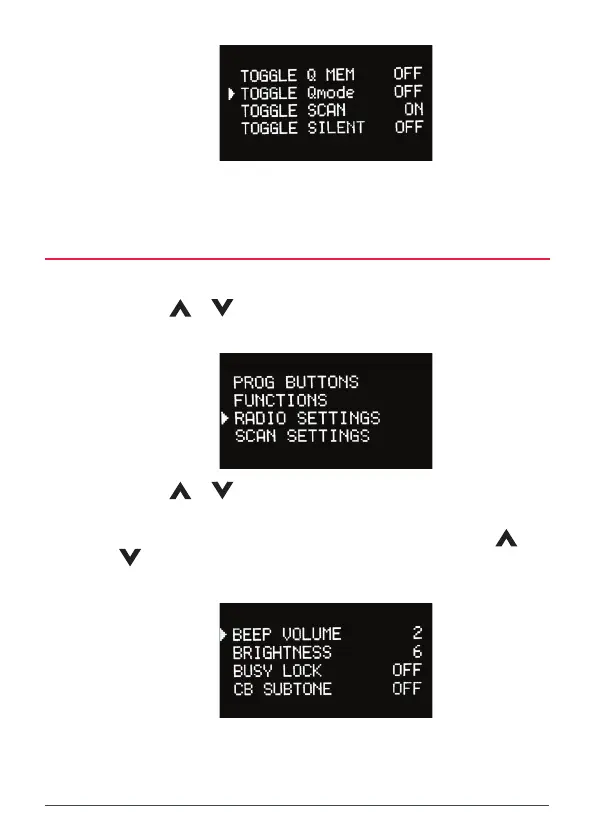
1. Press the MENU key.
2. Use the
or keys to select RADIO SETTINGS then press
MENU.
3. Use the
or keys to select from one of the setting options (see
the options table below).
4. To alter a value (e.g. Beep Volume) press MENU then use the
or
keys to adjust the value. Press MENU to accept. To toggle an ON/
OFF setting, press MENU.
5. Press BACK to return to the previous menu or hold the BACK key to
return to the main screen.



 To Next Page