XRS-330C
44
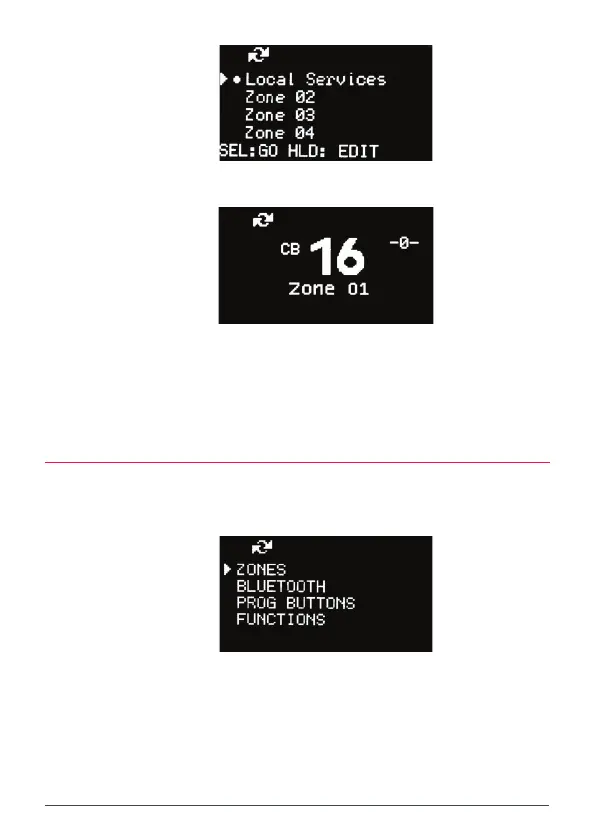
The radio will return to the Zone list with the new zone name displayed.
The radio returns to the main screen with the selected zone displayed below the
channel number.
All channels in the selected zone will now be available along with the usual 80 CB
channels. Zone channels can be found immediately above CB Channel 80.
EDIT A ZONE NAME
1. Press the MENU key.
2. Select ZONES and press MENU.
3. Select the desired Zone from the Zone list and HOLD MENU
[HLD:EDIT] to edit the zone.
The zone edit screen appears.



 To Next Page