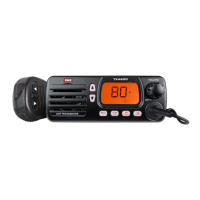
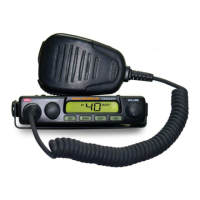
XRS-330C
4
The Quiet mode ........................................................................ 32
Sending a SelCall ...................................................................... 32
Receiving a SelCall .................................................................... 32
Quiet mode ............................................................................... 33
GROUP CALLING .....................................................................35
Programming and sending group calls .................................... 35
Call acknowledge in group mode ............................................. 36
Storing group call idents .......................................................... 36
Receiving group calls ................................................................ 36
MENU OPTIONS ......................................................................37
Context menu examples ........................................................... 37
MENU TABLE ..........................................................................39
Receive-only channels (zones) .................................................. 41
Select a Zone ............................................................................ 42
Edit a Zone Name ..................................................................... 42
Edit a Zone Name ..................................................................... 44
Add Channels to a New Zone ................................................... 46
Edit Existing Channels in a Zone .............................................. 48
Bluetooth .................................................................................. 49
Programmable Buttons ............................................................ 50
Programming the XRS Button: ................................................. 51
Programming the top button: .................................................. 52
Functions .................................................................................. 53
Radio Settings .......................................................................... 54
Scan Settings ............................................................................ 56
Net-Scan ................................................................................... 57
SelCall ....................................................................................... 57
Making a SelCall ....................................................................... 58



 To Next Page