GMG 1930ED - 4646ED
Operator’s manual
Operator’s Manual - 1930----4646ED
March 2019 #940400-3-EN
5.3.B TEST THE STEERING
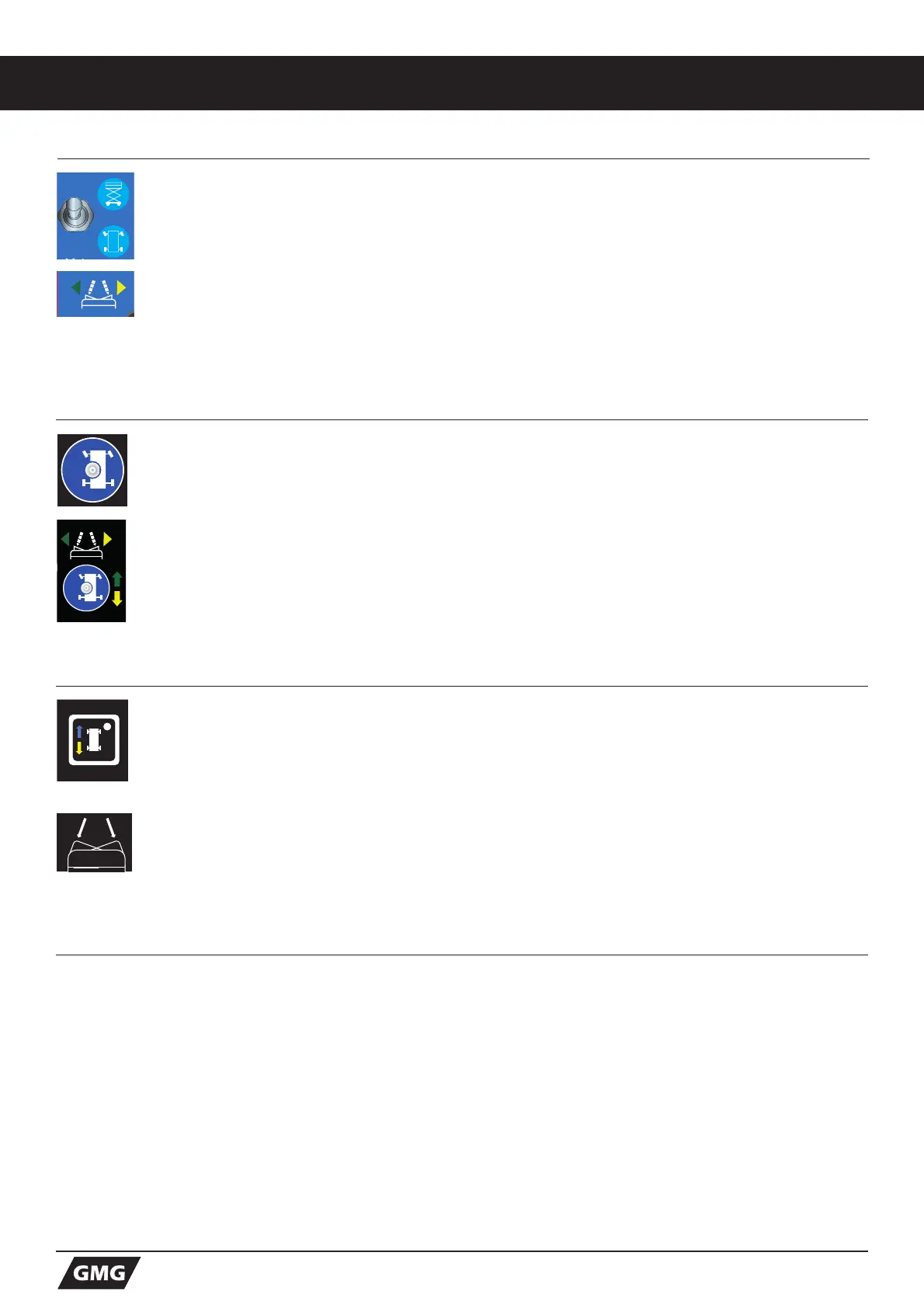
25. Activate the Drive functions by pressing the DRIVE-FUNCTION BUTTON.
Once pressed - the LED centred in this button will lit up.
26. Press and hold the FUNCTION ENABLE SWITCH on the control handle.
27. Depress the THUMB ROCKER SWITCH on top of the control handle in the direction
identified by the green left arrow on the control panel. The steer wheels should turn in the
direction that the green left arrow points on the control panel.
28. Depress the THUMB ROCKER SWITCH in the direction identified by the yellow right arrow
on the control panel. The steer wheels should turn in the direction that the yellow right arrow
points on the control panel.
5.4 TEST DRIVE AND BRAKING
29. Press and hold the Function Enable Switch on the control handle.
30. Slowly move the control handle forward/downward until the machine begins to move, then
return the handle to the center position.
The machine should move forward, in the direction of the steering wheels, then come to an
abrupt stop.
31. Press and hold the Function Enable Switch on the control handle.
32. Slowly move the control handle rearward/upward until the machine begins to move, then
return the handle to the center position.
The machine should move rearward, in the direction of the platform entry, then come to an
abrupt stop.
Note: The brakes must be able to hold the machine on any slope it is able to climb.
5.3.A TEST THE STEERING
25. Toggle this switch to the DOWN position for Drive function.
26. Press and hold the FUNCTION ENABLE SWITCH on the control handle.
27. Depress the THUMB ROCKER SWITCH on top of the control handle in the direction
identified by the green left arrow on the control panel. The steer wheels should turn in the
direction that the green left arrow points on the control panel.
28. Depress the THUMB ROCKER SWITCH in the direction identified by the yellow right arrow
on the control panel. The steer wheels should turn in the direction that the yellow right arrow
points on the control panel.
5.3.C TEST THE STEERING
25. Activate the Drive functions by pressing the DRIVE-FUNCTION BUTTON.
Once pressed - the LEDin this button will lit up.
26. Press and hold the FUNCTION ENABLE SWITCH on the control handle.
27. Depress the THUMB ROCKER SWITCH on top of the control handle in the direction
identified by the green left arrow on the control panel. The steer wheels should turn in the
direction that the green left arrow points on the control panel.
28. Depress the THUMB ROCKER SWITCH in the direction identified by the yellow right arrow
on the control panel. The steer wheels should turn in the direction that the yellow right arrow
points on the control panel.



 To Next Page