GMG 1930ED - 4646ED
Operator’s manual
Operator’s Manual - 1930----4646ED
March 2019 #940400-3-EN
6.4.3.B TO DRIVE
Machine travel speed is restricted when the platform is raised.
Battery condition will affect machine performance. Machine drive speed and
function speed will drop when the battery level indicator is flashing.
1. Activate the Drive-functions by pressing the DRIVE-FUNCTION BUTTON.
2. Press and hold the FUNCTION ENABLE SWITCH on the CONTROL HANDLE.
• Increase speed: Slowly move the CONTROL HANDLE off center.
• Push the CONTROL HANDLE forward to move forward. Pull the CONTROL HANDLE
reverse to move reverse.
• Decrease speed: Slowly move the CONTROL HANDLE toward center.
• Stop: Return the control handle to center or release the FUNCTION ENABLE SWITCH.
Use the color-coded direction arrows on the platform controls to identify the direction the
machine will travel.
6.4.3.C TO DRIVE
Machine travel speed is restricted when the platform is raised.
Battery condition will affect machine performance. Machine drive speed and
function speed will drop when the battery level indicator is flashing.
1. Activate the Drive-functions by pressing the DRIVE-FUNCTION BUTTON.
2. Press and hold the FUNCTION ENABLE SWITCH on the CONTROL HANDLE.
• Increase speed: Slowly move the CONTROL HANDLE off center.
• Push the CONTROL HANDLE forward to move forward. Pull the CONTROL HANDLE
reverse to move reverse.
• Decrease speed: Slowly move the CONTROL HANDLE toward center.
• Stop: Return the control handle to center or release the FUNCTION ENABLE SWITCH.
Use the color-coded direction arrows on the platform controls to identify the direction the
machine will travel.
6.4.3.A TO DRIVE
Machine travel speed is restricted when the platform is raised.
Battery condition will affect machine performance. Machine drive speed and
function speed will drop when the battery level indicator is flashing.
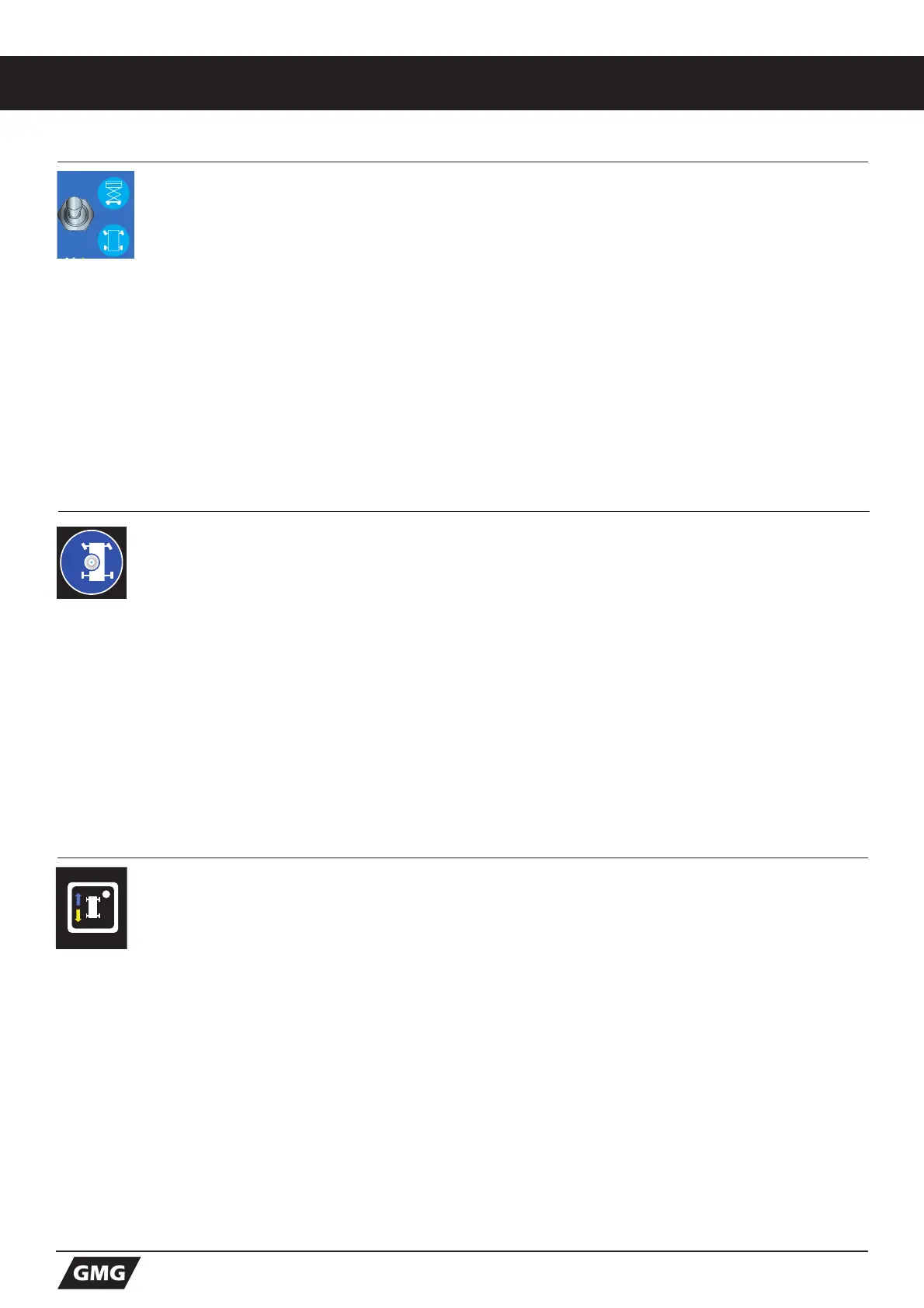
1. Toggle this switch to the DOWN position for Drive function.
2. Press and hold the FUNCTION ENABLE SWITCH on the CONTROL HANDLE.
• Increase speed: Slowly move the control handle off center.
• Push the CONTROL HANDLE forward to move forward. Pull the control handle reverse to
move reverse.
• Decrease speed: Slowly move the CONTROL HANDLE towards center.
• Stop: Return the control handle to center or release the FUNCTION ENABLE SWITCH.
Use the color-coded direction arrows on the platform controls to identify the direction the
machine will travel.


 To Next Page