Page 33 of 52
6.4.4.A TO REDUCE DRIVE SPEED
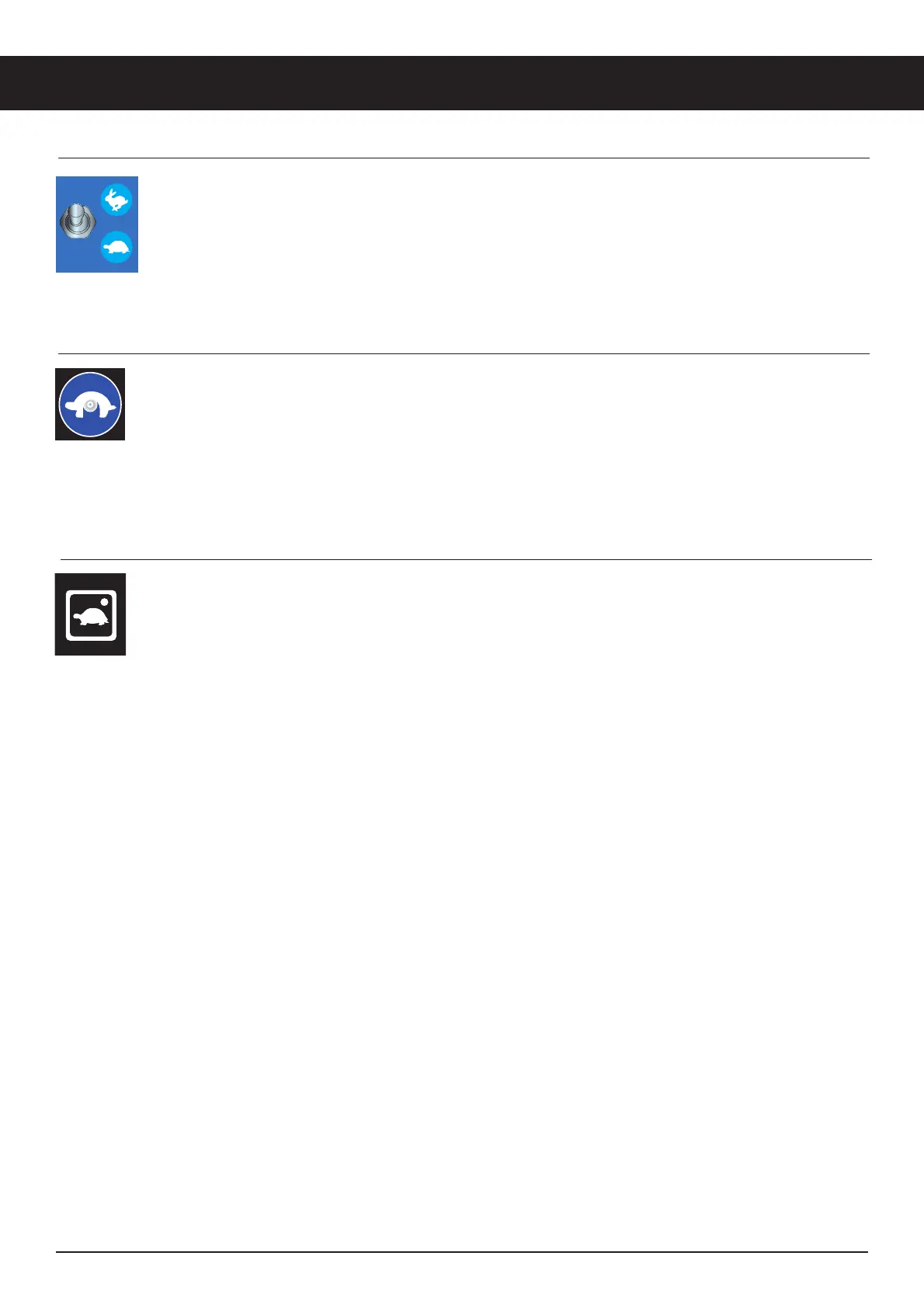
The drive controls can operate in two different drive speed modes.
When the Drive Speed Switch is in the DOWN position and set to the Turtle icon, slow drive speed
mode is active.
When the Drive Speed Switch is in the UP position and set to the Rabbit icon, fast drive speed mode is
active.
6.4.4.B TO REDUCE DRIVE SPEED
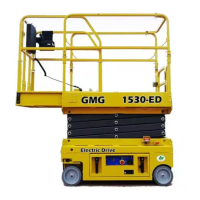
The drive controls can operate in two different drive speed modes.
When the Drive Speed Select button (turtle icon) is pushed in and the LED light is on, slow drive speed
mode is active.
When the Drive Speed Select button (turtle icon) is not pushed in and the LED light is not on, fast drive
speed mode is active.
6.4.4.C TO REDUCE DRIVE SPEED
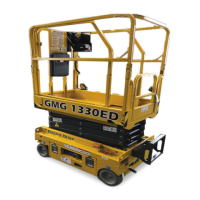
The drive controls can operate in two different drive speed modes.
When the Drive Speed Select button (turtle icon) is pushed in and the LED light is on, slow drive
speed mode is active.
When the Drive Speed Select button (turtle icon) is not pushed in and the LED light is not on, high
drive speed mode is active.
Operating Instructions


 To Next Page