Section
3394RT---6094RT Scissor Lifts - Operator’s Manual Page 18
6 - Function Tests and Operating Instructions
Do not elevate platform unless guardrails are installed and secure–see Fold
Down Platform Railings.
If the deck is extended, check for clearance beneath the deck before lowering.
If the platform fails to lower DO NOT attempt to climb down the scissor
assembly. Serious injury may result–see Emergency
Elevate Platform
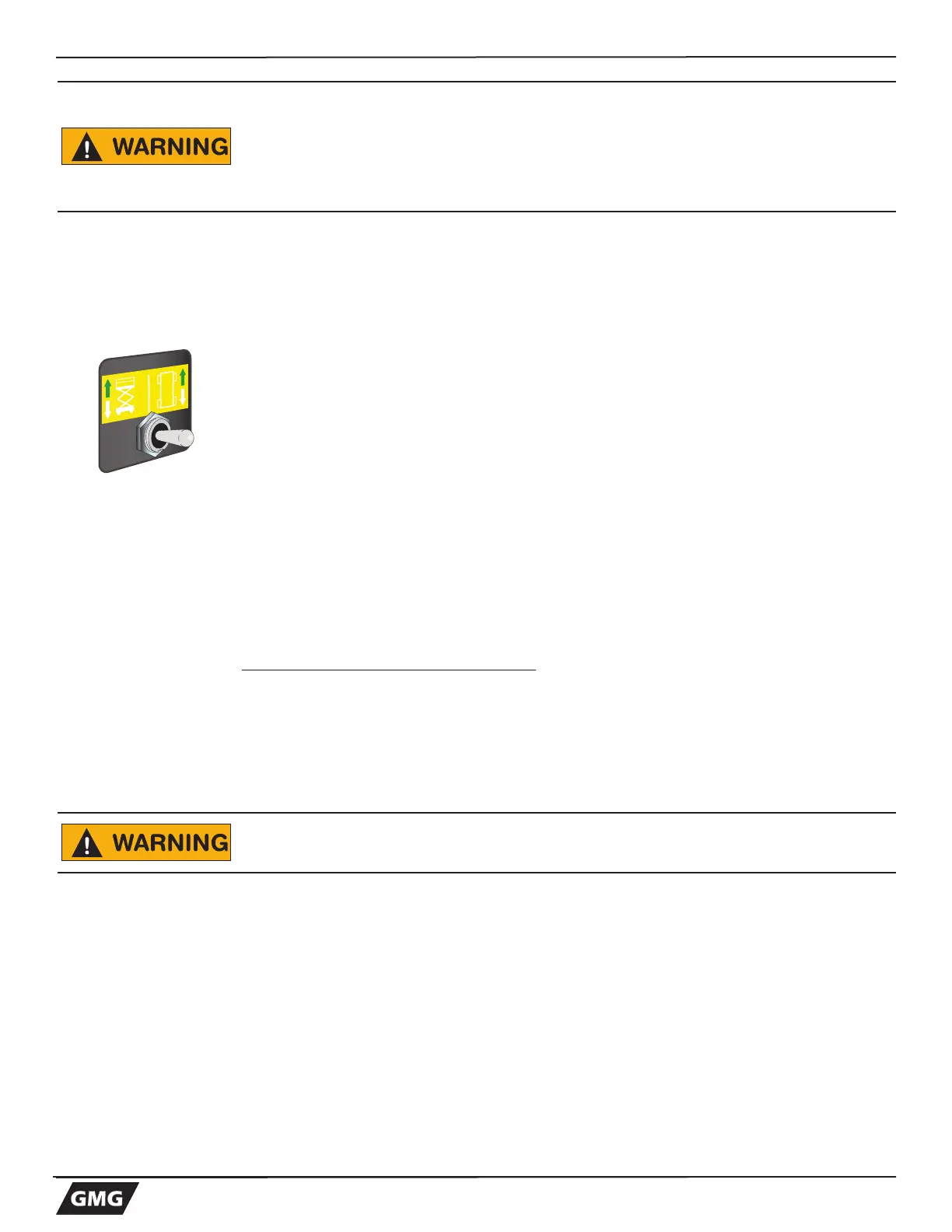
• Place the DRIVE/LIFT Mode Select Switch to the LEFT,in the LIFT position.
• Squeeze the Enable Bar and move the Joystick BACK (toward your body). Test
Test Operation
• Rate of lift is proportional and is dependent on the movement of the Joystick.
• Elevate to maximum height.
Note Platform will not elevate beyond 35 ft. (10.6 m) without the outriggers
deployed
• Releasing the Enable Bar or the Joystick will stop elevation.
• Pressing the Emergency Stop Switch will also stop elevation.
Lower Platform
• Place the Mode Select Switch in the LIFT position.
• Squeeze the Enable Bar and move the Joystick FORWARD (away from you).
Test Operation
• Rate of descent is fixed - platform lowers at same rate regardless of handle position.
• Pressing the Emergency Stop Switch will stop descent.
If Arm-guard function is enabled:
• When lowering, the automatic arm guard cutout function will stop the
platform at approximately 8 ft. (2.5 m), and will sound a fast intermittent
beeping alarm. Release the control lever.
• A three second delay is provided for the operator to verify that there are
no hazardous conditions or personnel near the machine. Lowering may
resume after these 3 seconds have elapsed when the control lever is
engaged and held in the lowering position.
Check that the route is clear of persons, obstructions, debris, holes and
drop-offs, and is capable of supporting the machine.
IMPORTANT: Always check front steer wheel direction before driving.



 To Next Page