17
3 Setting and Control for Operation Panel
Getting Started
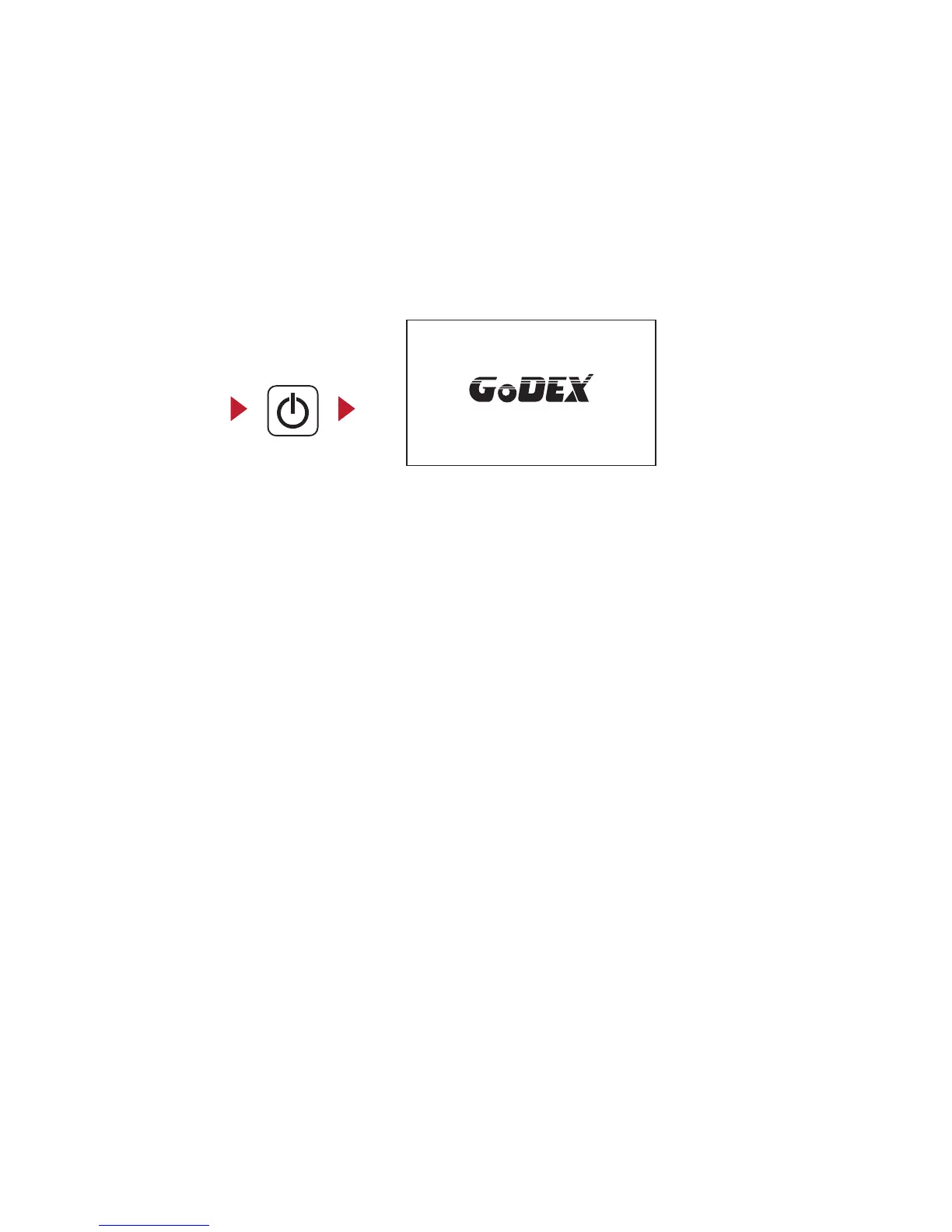
Press the POWER button to turn on the printer, and the START UP SCREEN appears.
Turn on the power
3.2 LCD Interface Introduction
After the printer starts, GoDEX Logo will appear on the LCD screen, which means that the printer is ready
to print in the state. Use the printer's user interface can perform various operation, such action is set on
the main screen.



 To Next Page