4
2 Printer Setup
2.1 Battery Installation
Make sure to charge the battery for at least 3 hours prior to first use.
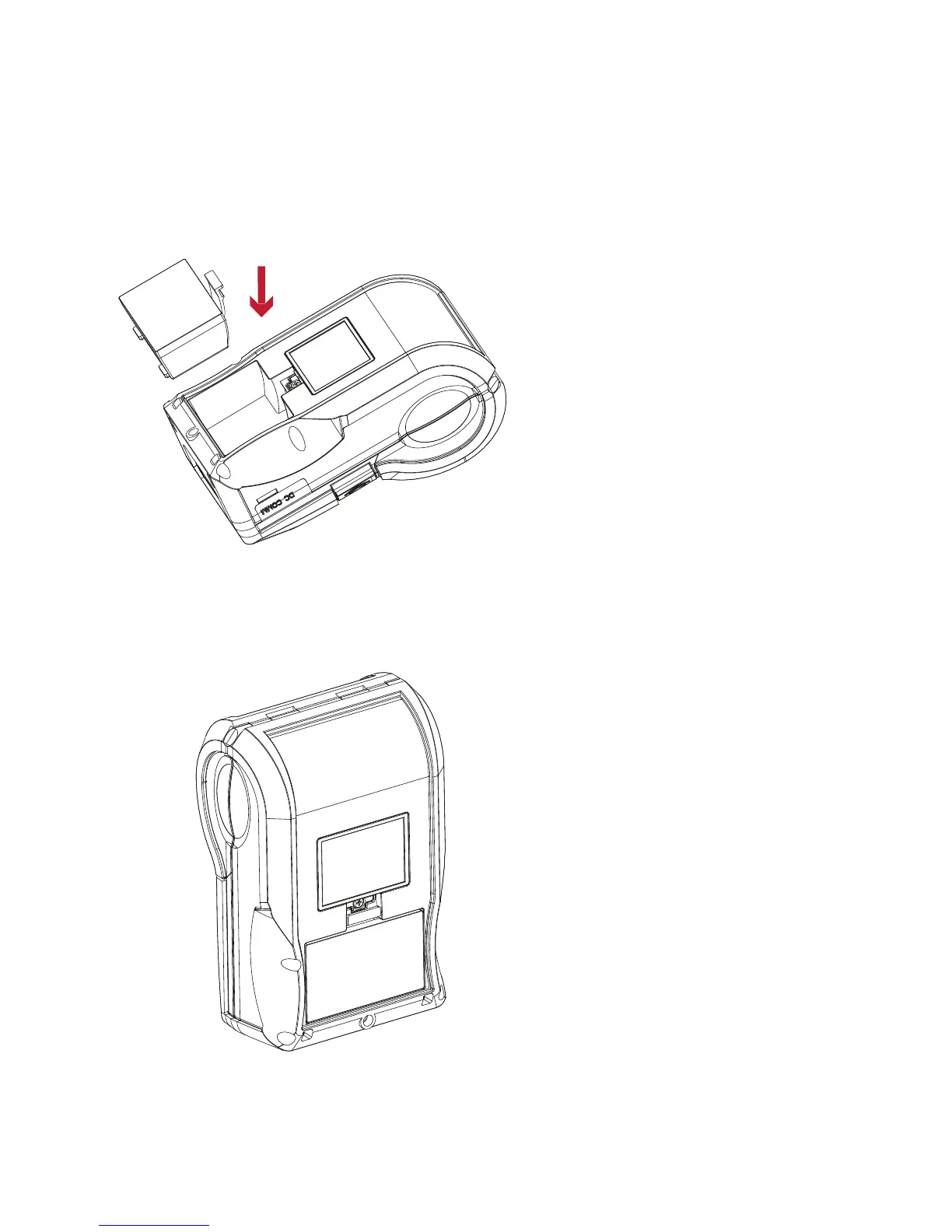
Insert the battery on the rear side of the printer,
aligning the battery hook properly.
Push the battery into the slot until
you hear a clicking sound.
Battery installation completed



 To Next Page