33
5 Accessories
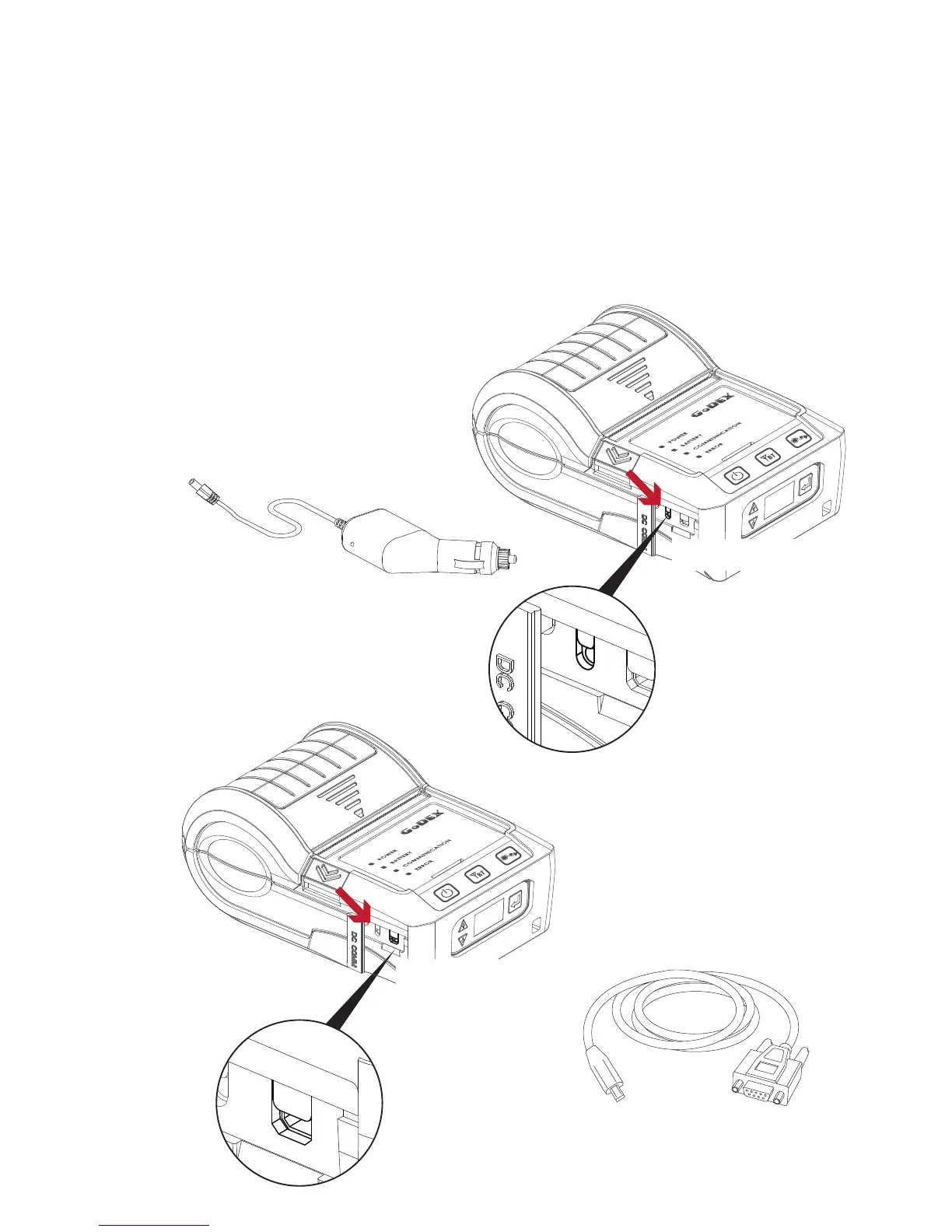
5.2 Car Charger and RS-232 Cable
1
1. Please make sure that the printer is switched off.
(Connect the car charger to your car’s cigarette lighter jack.)
2. Open the external interface protection cap.
3. Connect the mini USB cable(battery charger) to the power connector.
3
2
Power Connector
This RS232 & USB Port
only support signal transmission,
no charge function.



 To Next Page