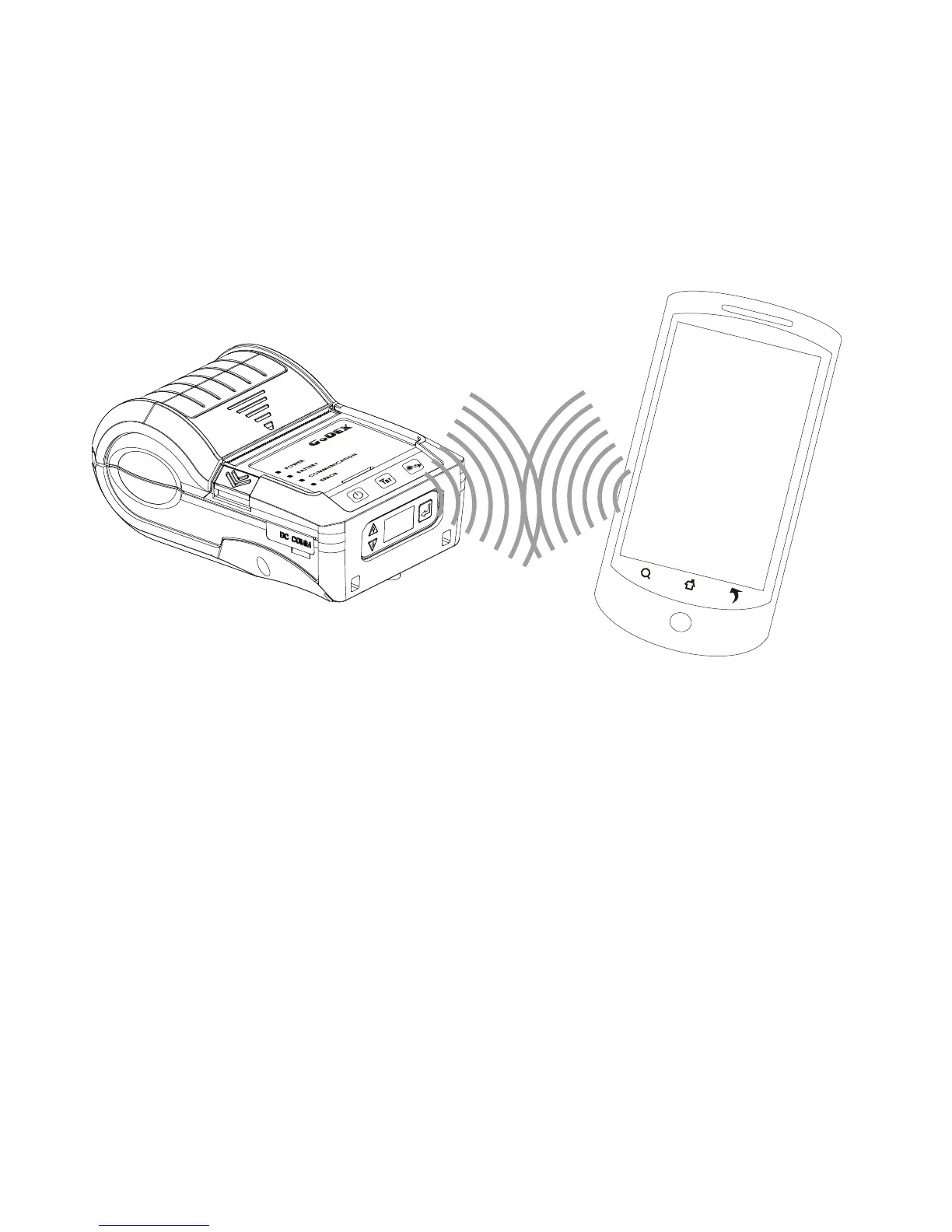
Pair with another Bluetooth device.
3 Setting and Control for Operation Panel
3.6 Bluetooth Connection Terminal
The printer can be connected to devices equipped with Bluetooth communication capability.
1. Press power button to turn on the printer.
2. Press Bluetooth button, bluetooth function is turned. So that the printer can be searched.
Terminal Equipment (Bluetooth function of the device must be turned on)
Note:
Do not press Bluetooth button while downloading and returning inforamtion through standard com port
or Bluetooth, otherwise the information may lose and malfunction of printer may occur.
22



 To Next Page