35
6 Maintenance and AdjustmentS
6.1 Cleaning the Thermal Print Head
Dirt on the print head, or glue residue from the label stock may result in inadequate print quality. The printer
cover must therefore always be closed during printing. Keeping dirt and dust away from the paper or labels ensures a
good print quality and a longer lifespan of the print head.
Cleaning Steps
Here is how to clean the print head.
1. Turn off the printer.
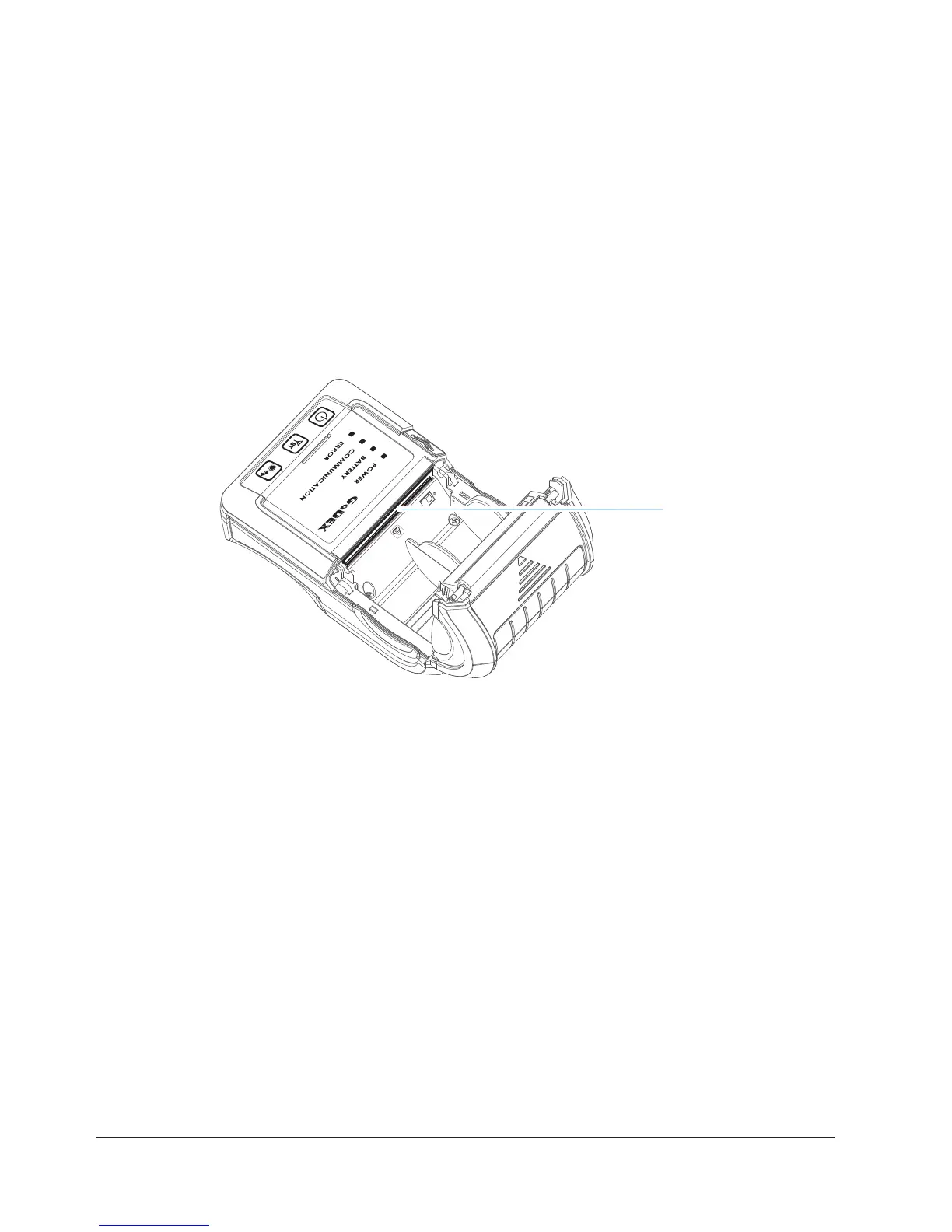
2. Open the printer cover.
3. To remove any label residue or other dirt from the print head, please use a soft lint-free cloth dipped with
some alcohol.
PRINT HEAD
****Weekly to clean the print head one time. (Recommended)
*** When cleaning the print head, please note that if there is attached to metal or hard on soft cloth, if using a dirty
soft cloth made printer head damage is not covered under warranty conditions.
Note



 To Next Page