MX20/MX30/MX30i
USER MANUAL
Appendix
MX 30/30i WiFi Setting
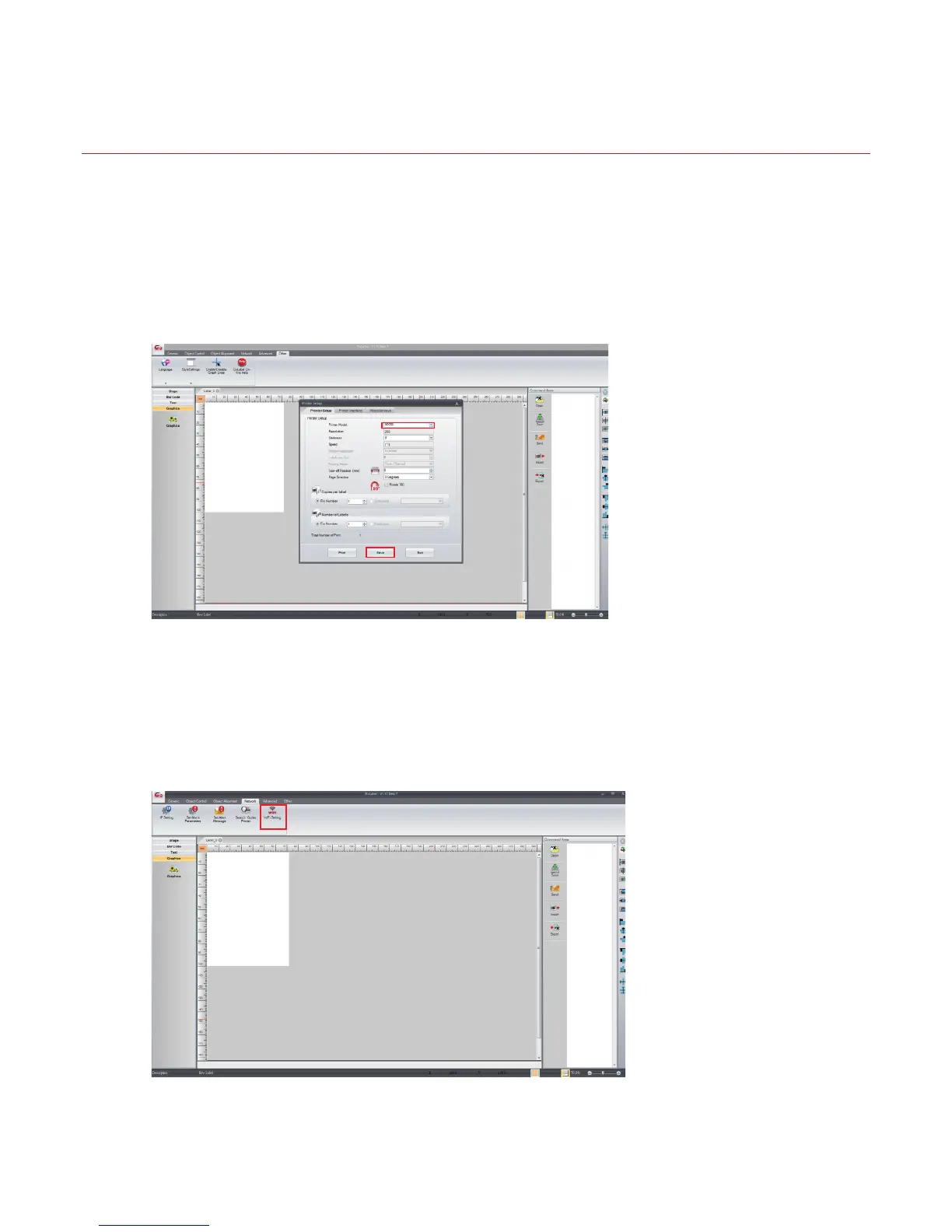
Step 5. Click “WiFi Setting” icon
(see the screenshot below)
05
1.2 Set up MX 30/30i Wireless Network through Godex WiFi tool
Step 1. Connect MX 30/30i and computer by USB cable
Step 2. Turn on MX 30/30i
Step 3. Start Golabel
Step 4. Select printer model to MX30/30i (see the screenshot below)



 To Next Page