25
(The word “sample” is just a sample, Please change it to your
own password. Please don’t change other settings.
NOTICE: Please do remember the password. Once you forget
it and you want to access it, the only way is to reload the WIFI
module. Please refer to 4.7)
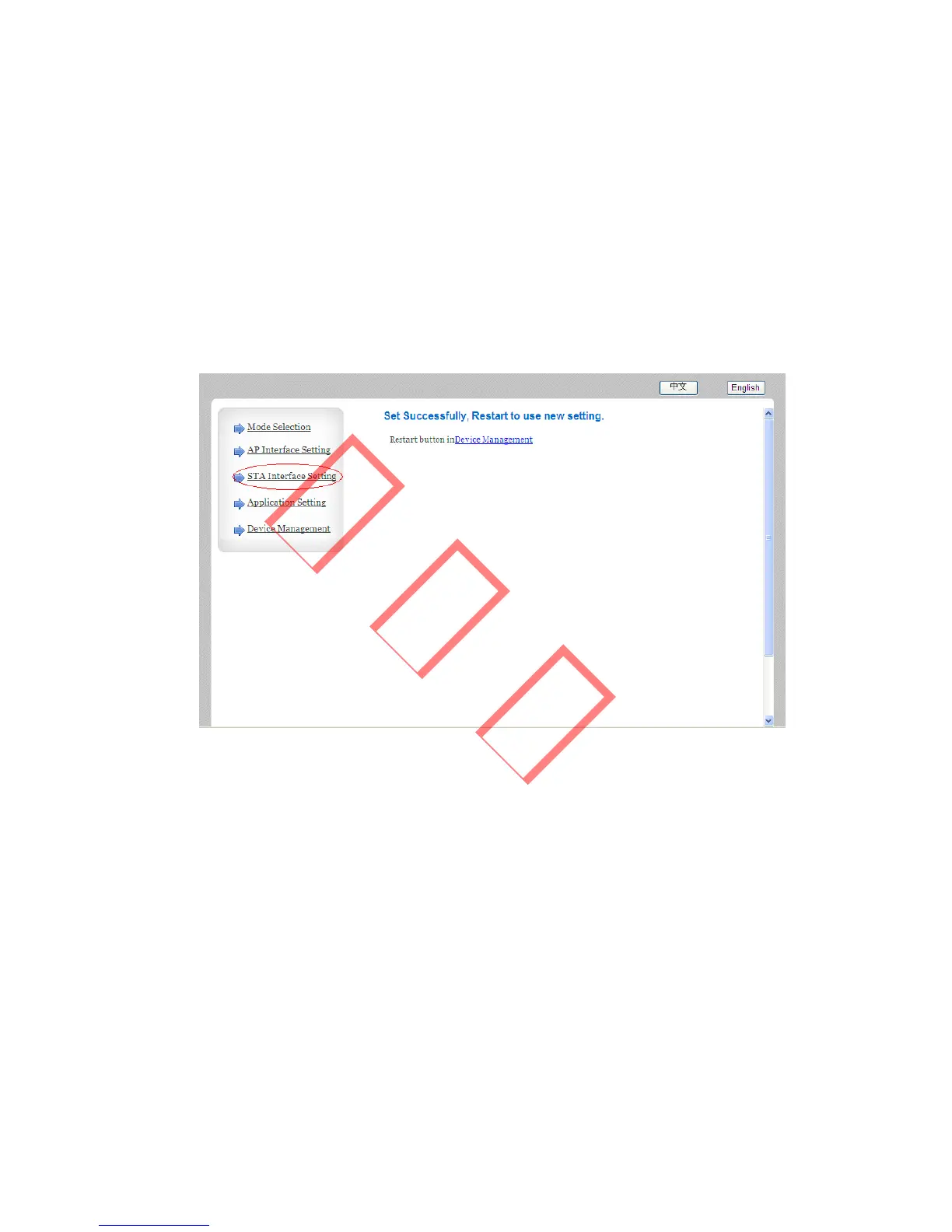
Click the “Apply” button, you will get a page as below:
Figure 3.4.5-3
Then Left click “STA Interface Setting” and you will get a
page as below:



 To Next Page