31
Connecting the inverters to each other
• Connect using a network cable (patch cable);
• Where to connect: RJ45 socket on the outside of the inverter;
Procedure:
• Insert the RJ45 plug into any RJ45 socket on the first inverter;
• Insert the other end of the wire into any RJ45 socket on
inverter 2;
• Connect the other inverters to each other in the same way;
• Terminate in the last inverter;
Before operation, please read the instruction of Solar-Log!
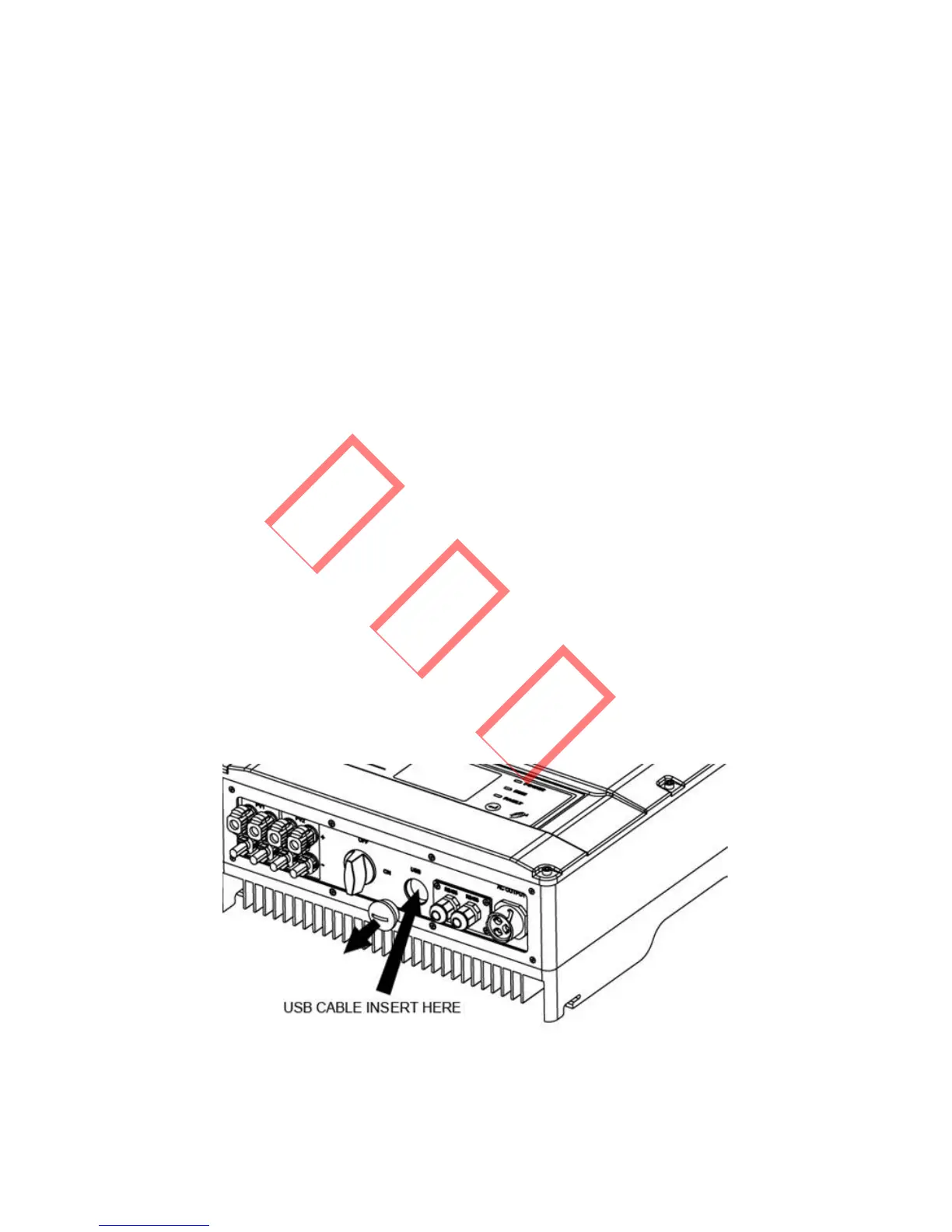
3.4.7 USB Communication
To connect the USB data cable, remove the USB socket cover
and insert the USB cable as indicated.
Figure 3.4.4-1



 To Next Page