-11-
2.4 Installing the RigiScan Plus Software
To install RigiScan Plus Software:
1. Insert the USB Flash Drive into an available USB port on your computer.
2. Allow Windows time to recognize the USB Flash Drive and install driver if necessary.
3. Use Windows Explorer to navigate to the Flash Drive’s root directory.
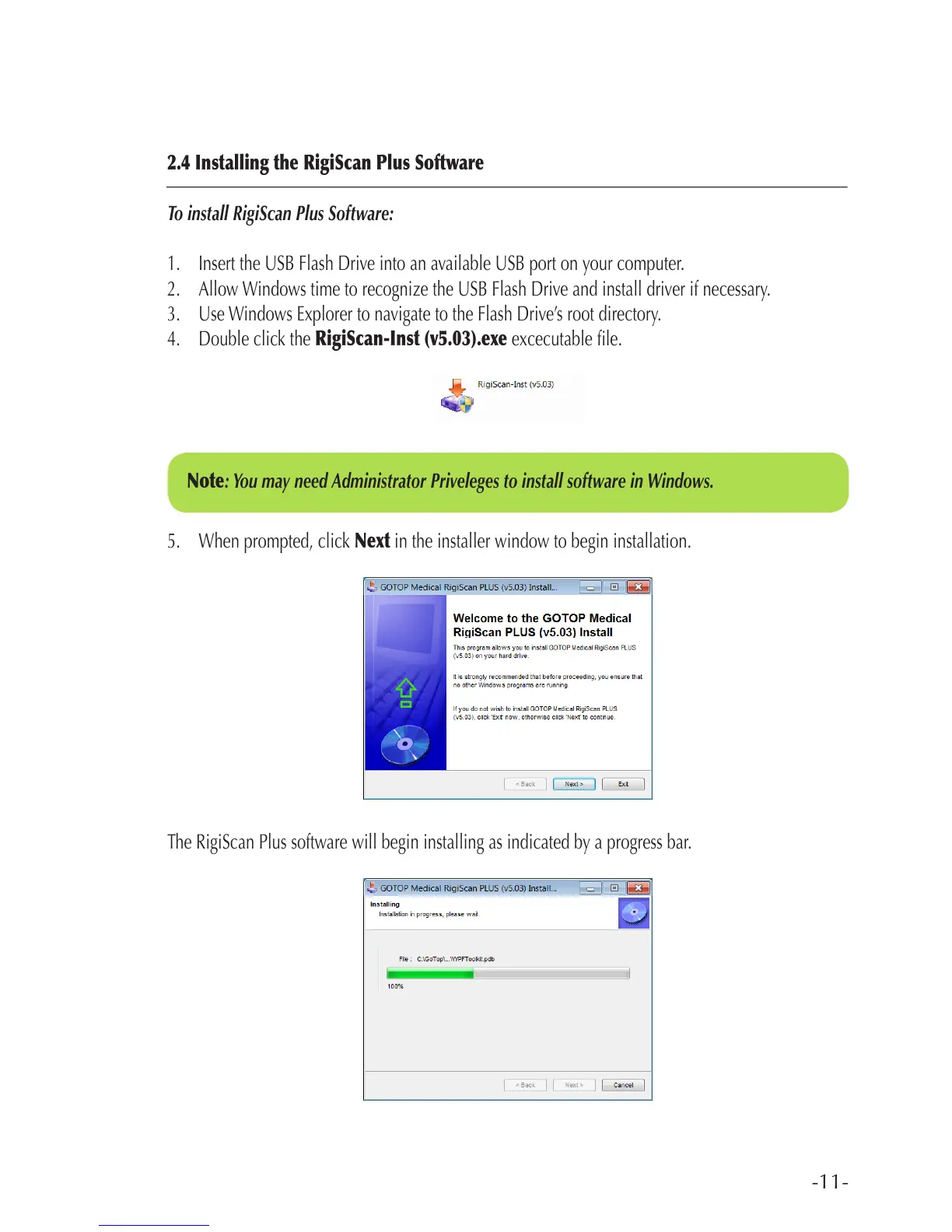
4. Double click the RigiScan-Inst (v5.03).exe excecutable le.
5. When prompted, click Next in the installer window to begin installation.
The RigiScan Plus software will begin installing as indicated by a progress bar.
Note: You may need Administrator Priveleges to install software in Windows.



 To Next Page