-9-
Chapter 2: Setting Up the RigiScan Plus System
2.1 System Requirements
Before you can install the RigiScan Plus Software, you must assemble the following hardware com-
ponents:
• EN 60950 Compliant IBM-compatible personal computer (PC) equipped with:
• Microsoft Windows XP Service Pack 3 or newer (Windows 7, 8, 8.1, and 10)
• Hard-disk with at least 1 GB of free disk space
• At least 1 GB of random-access memory (RAM)
• Available USB 2.0 port
• VGA compatible graphics card
• VGA monitor
• Mouse and keyboard
• Printer
• Supplied USB Flash Drive
Note: Windows DPI setting should be 100% for optimum display. “Unsupported DPI” warning may
appear at launch when using other DPI setting.
2.2 Setting Up the Hardware
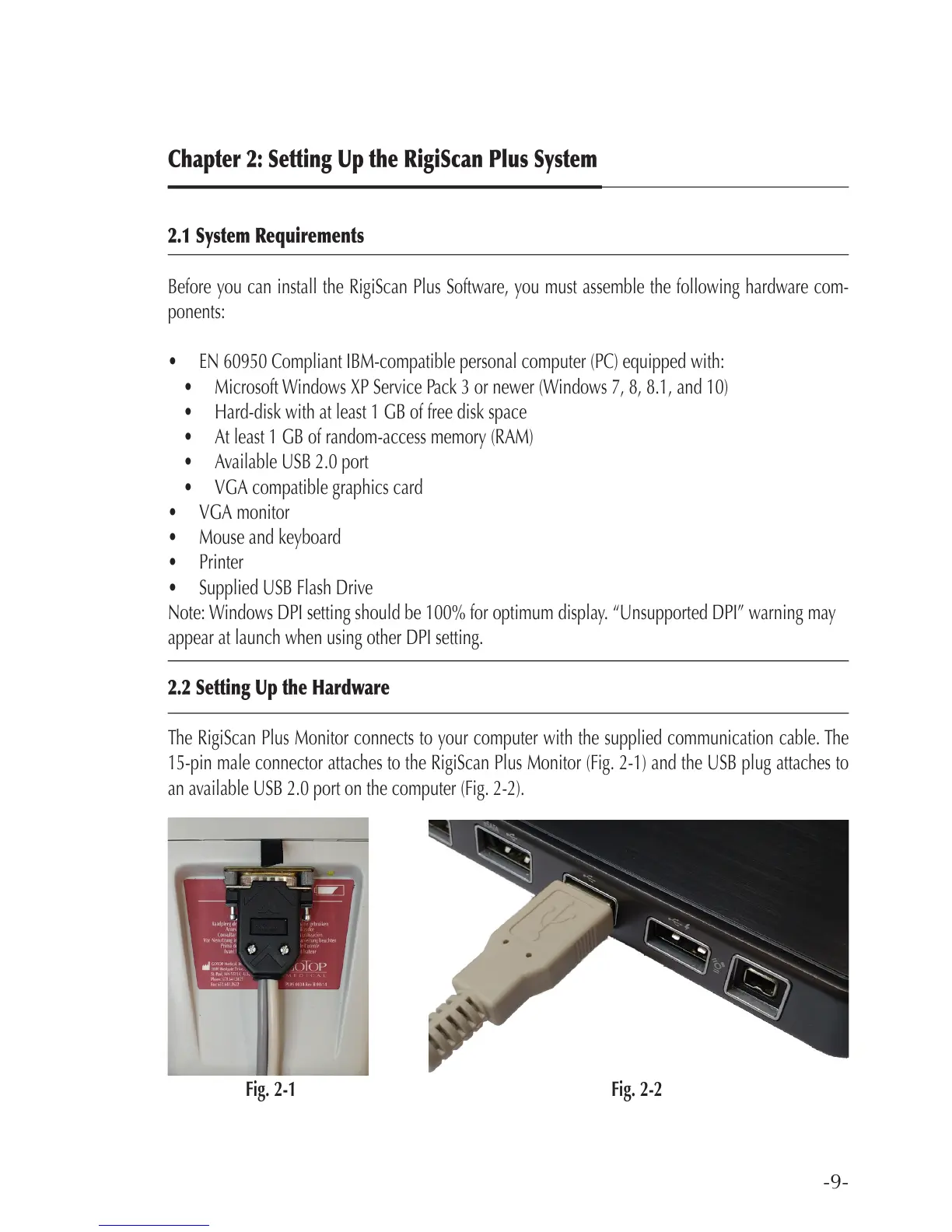
The RigiScan Plus Monitor connects to your computer with the supplied communication cable. The
15-pin male connector attaches to the RigiScan Plus Monitor (Fig. 2-1) and the USB plug attaches to
an available USB 2.0 port on the computer (Fig. 2-2).
Fig. 2-1 Fig. 2-2



 To Next Page