-27-
Report Selector
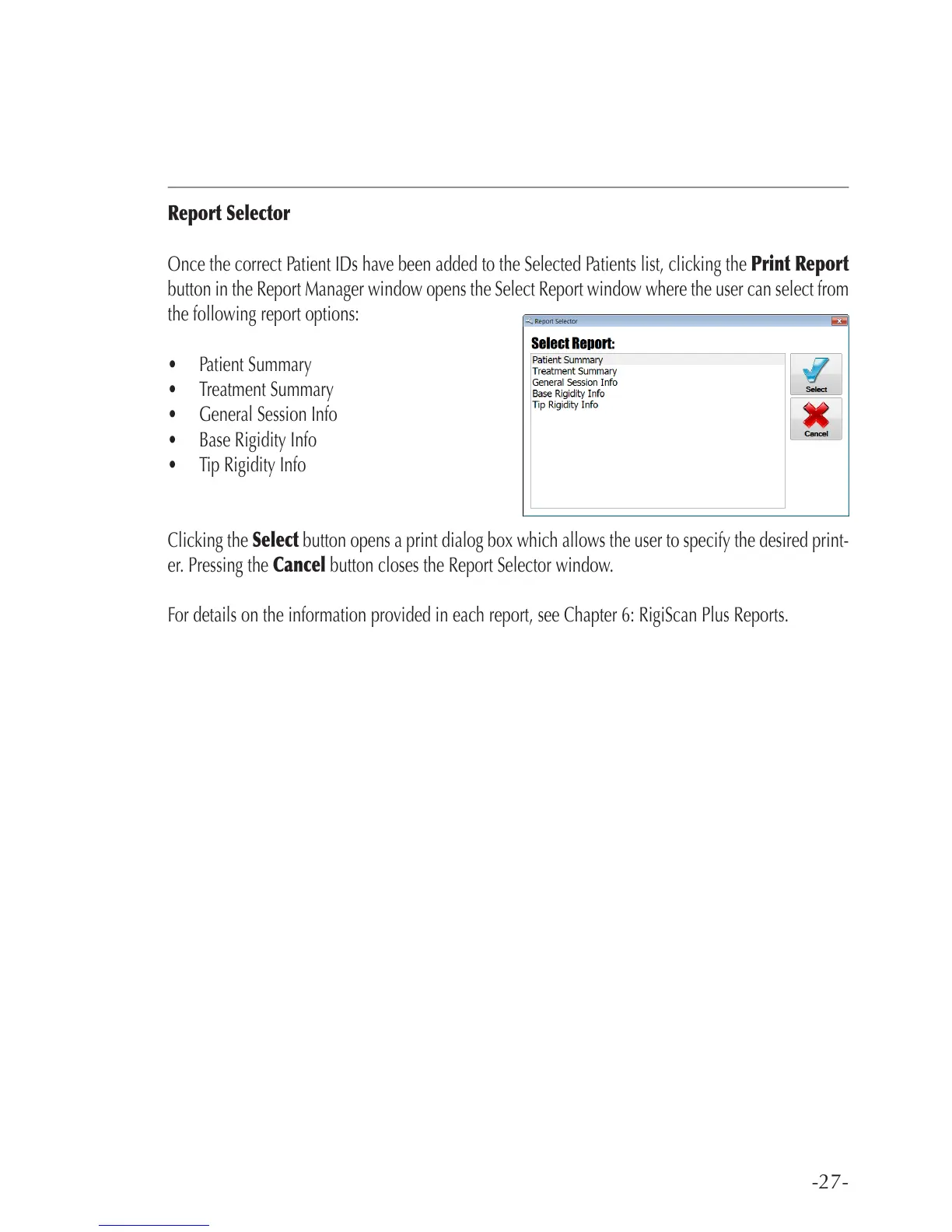
Once the correct Patient IDs have been added to the Selected Patients list, clicking the Print Report
button in the Report Manager window opens the Select Report window where the user can select from
the following report options:
• Patient Summary
• Treatment Summary
• General Session Info
• Base Rigidity Info
• Tip Rigidity Info
Clicking the Select button opens a print dialog box which allows the user to specify the desired print-
er. Pressing the Cancel button closes the Report Selector window.
For details on the information provided in each report, see Chapter 6: RigiScan Plus Reports.



 To Next Page