-13-
Chapter 3: Software Operation
3.1 Starting RigiScan Plus
To start the RigiScan Plus application:
1. Double-click the RigiScan icon on the desktop
or
1. Click the Start button on the task bar
2. Navigate to All Programs -> GOTOP Medical RigiScan PLUS
3. Click RigiScan
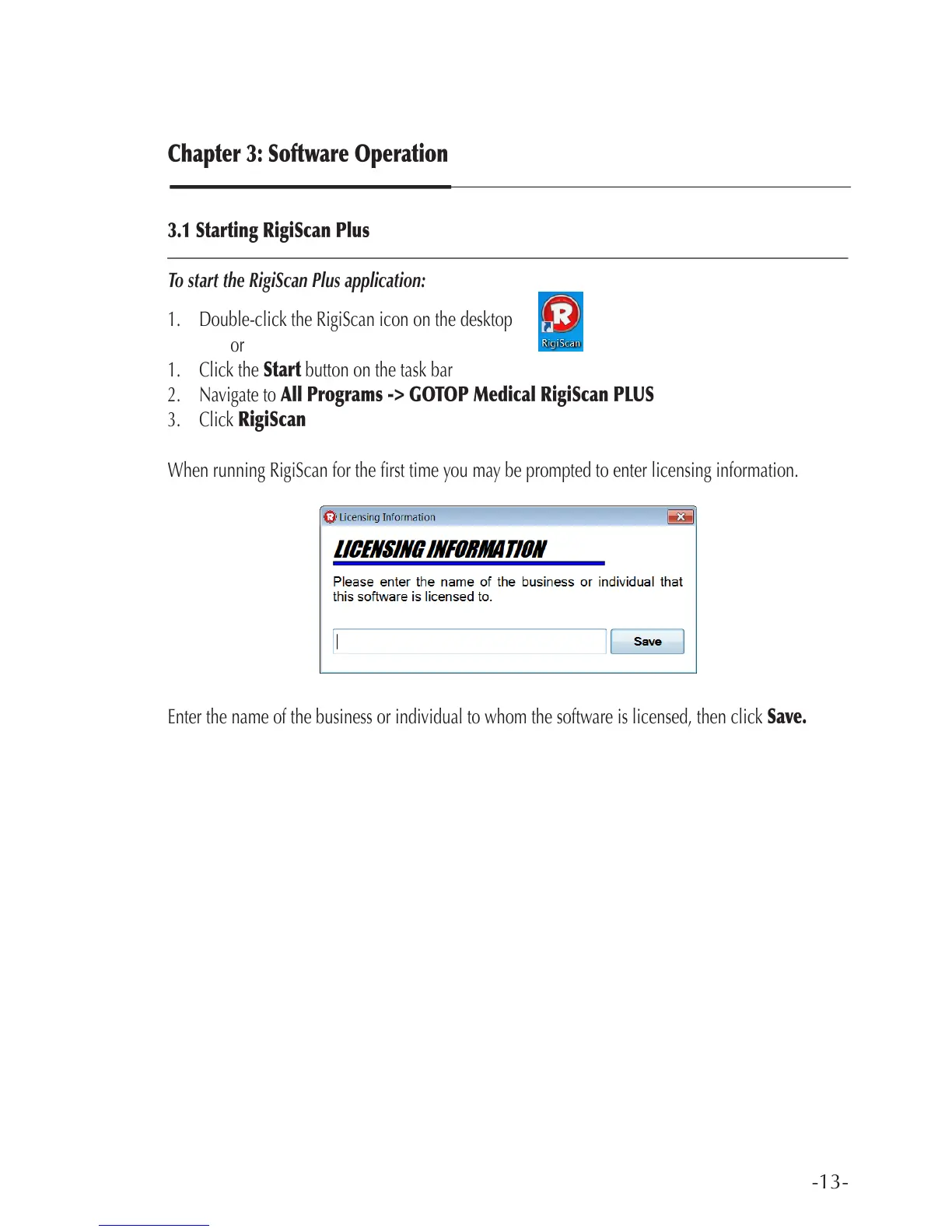
When running RigiScan for the rst time you may be prompted to enter licensing information.
Enter the name of the business or individual to whom the software is licensed, then click Save.



 To Next Page