-26-
RIGISCAN
®
(User Guide)
Filtering Available Patients
When a large database of patients exists, it may be useful when creating a report to lter the available
patients based on certain parameters.
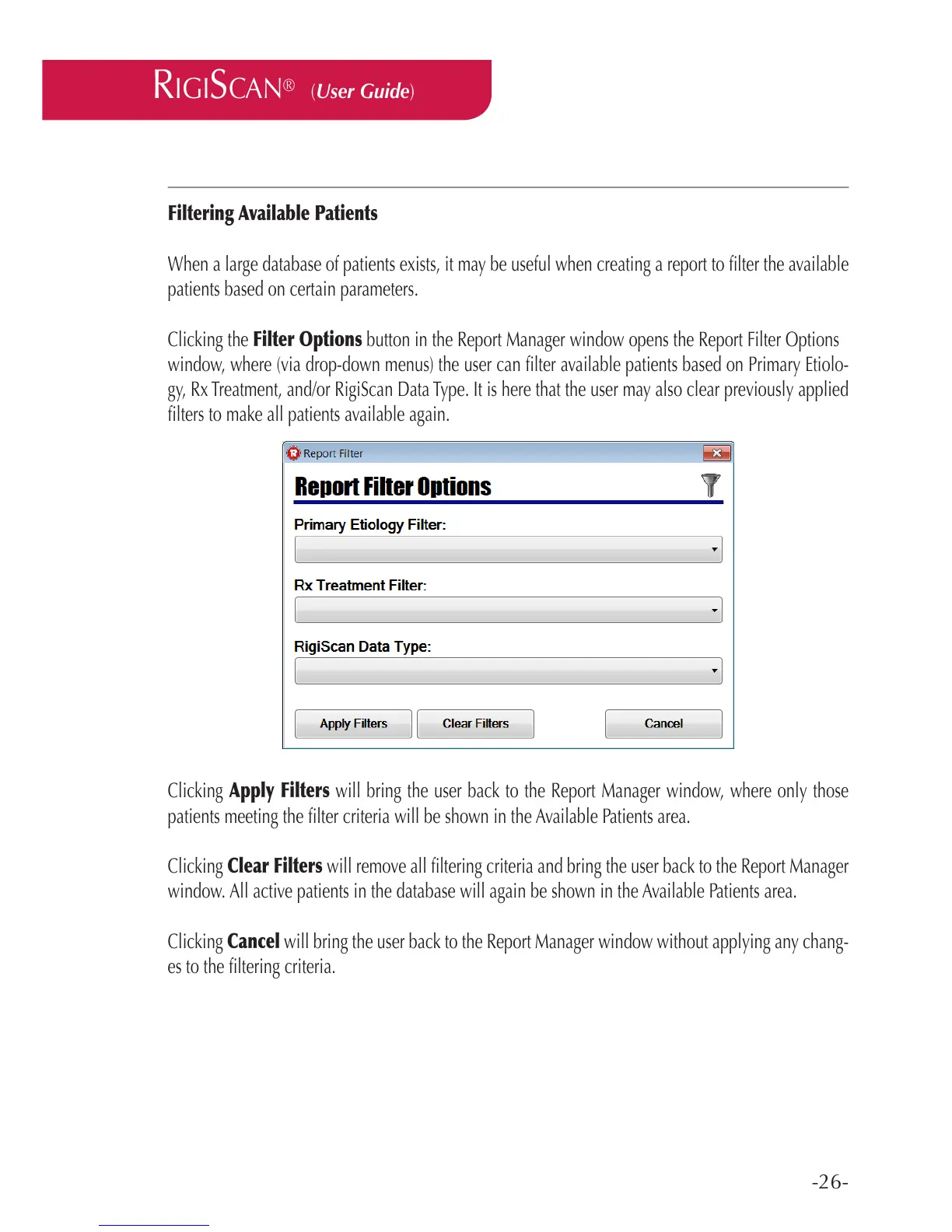
Clicking the Filter Options button in the Report Manager window opens the Report Filter Options
window, where (via drop-down menus) the user can lter available patients based on Primary Etiolo-
gy, Rx Treatment, and/or RigiScan Data Type. It is here that the user may also clear previously applied
lters to make all patients available again.
Clicking Apply Filters will bring the user back to the Report Manager window, where only those
patients meeting the lter criteria will be shown in the Available Patients area.
Clicking Clear Filters will remove all ltering criteria and bring the user back to the Report Manager
window. All active patients in the database will again be shown in the Available Patients area.
Clicking Cancel will bring the user back to the Report Manager window without applying any chang-
es to the ltering criteria.



 To Next Page