-14-
RIGISCAN
®
(User Guide)
3.2 The RigiScan Plus Home Screen
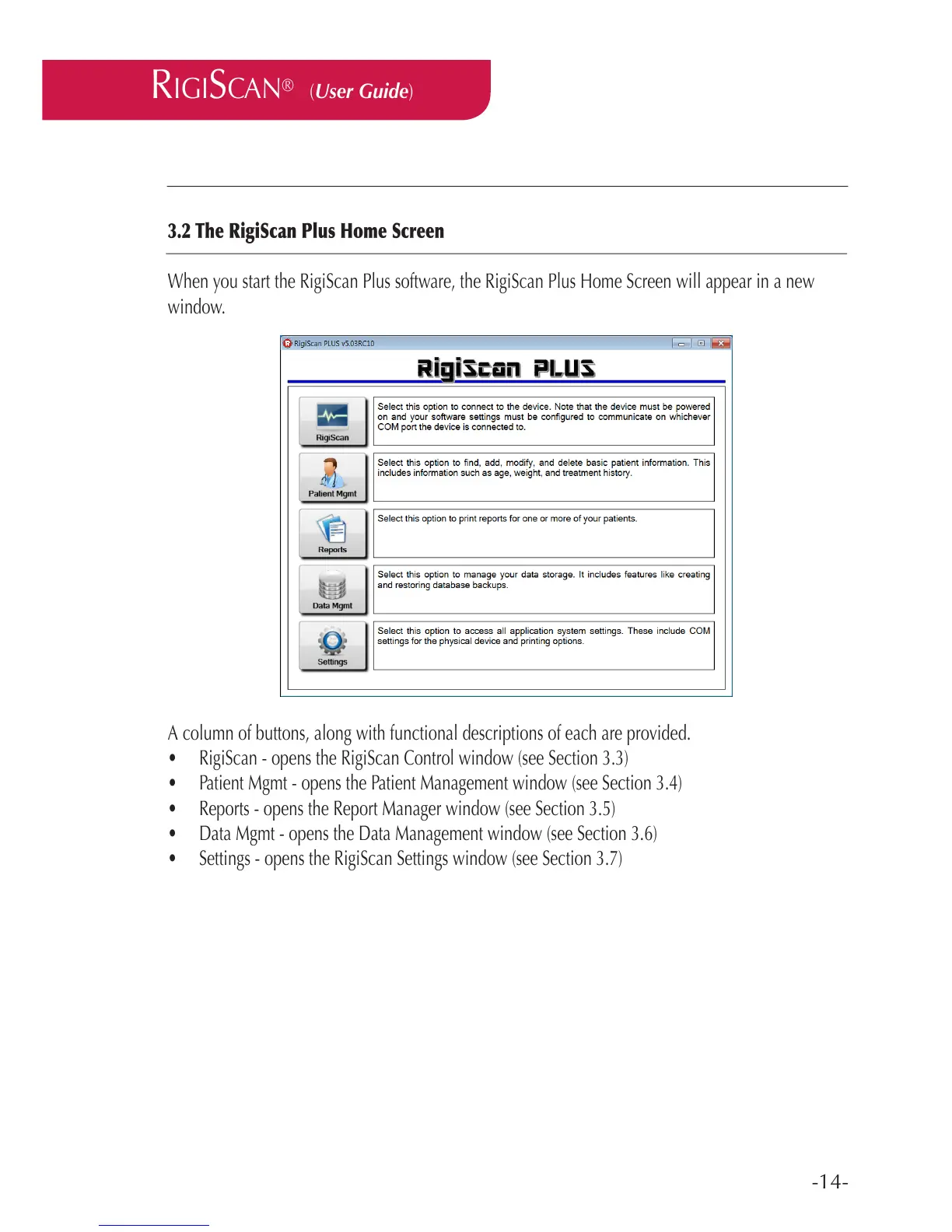
When you start the RigiScan Plus software, the RigiScan Plus Home Screen will appear in a new
window.
A column of buttons, along with functional descriptions of each are provided.
• RigiScan - opens the RigiScan Control window (see Section 3.3)
• Patient Mgmt - opens the Patient Management window (see Section 3.4)
• Reports - opens the Report Manager window (see Section 3.5)
• Data Mgmt - opens the Data Management window (see Section 3.6)
• Settings - opens the RigiScan Settings window (see Section 3.7)



 To Next Page