-28-
RIGISCAN
®
(User Guide)
3.6 Data Management Window
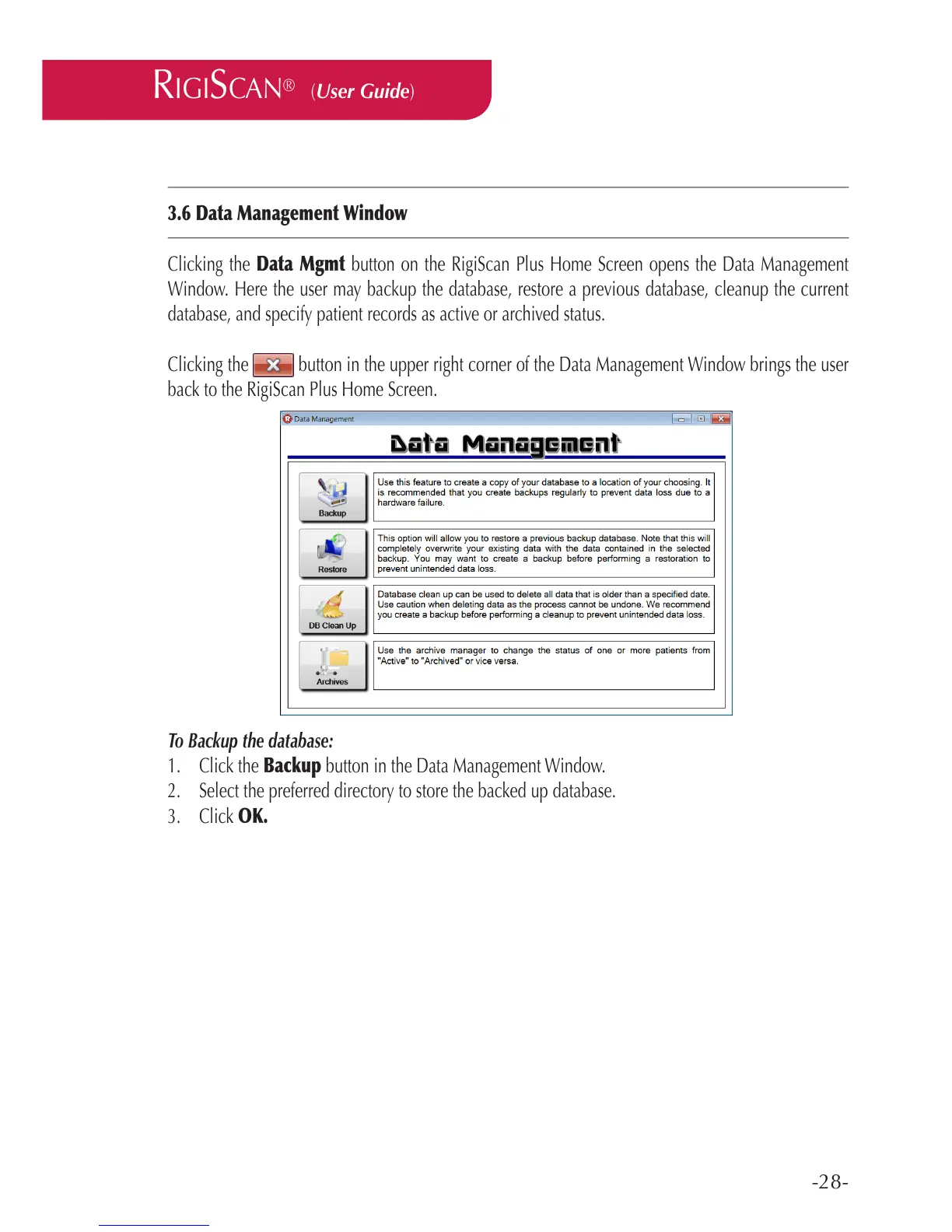
Clicking the Data Mgmt button on the RigiScan Plus Home Screen opens the Data Management
Window. Here the user may backup the database, restore a previous database, cleanup the current
database, and specify patient records as active or archived status.
Clicking the button in the upper right corner of the Data Management Window brings the user
back to the RigiScan Plus Home Screen.
To Backup the database:
1. Click the Backup button in the Data Management Window.
2. Select the preferred directory to store the backed up database.
3. Click OK.



 To Next Page