-18-
RIGISCAN
®
(User Guide)
3.4 Patient Management Window
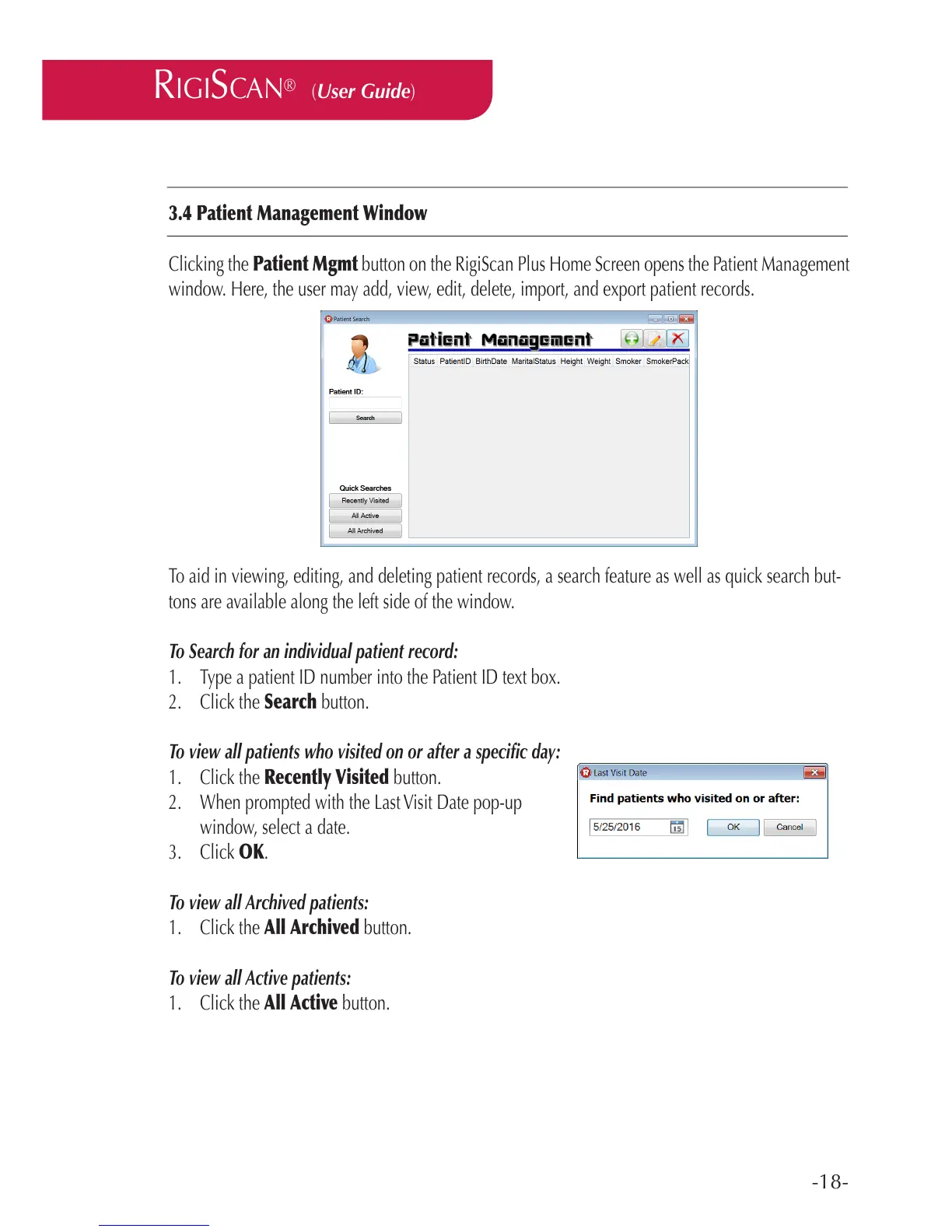
Clicking the Patient Mgmt button on the RigiScan Plus Home Screen opens the Patient Management
window. Here, the user may add, view, edit, delete, import, and export patient records.
To aid in viewing, editing, and deleting patient records, a search feature as well as quick search but-
tons are available along the left side of the window.
To Search for an individual patient record:
1. Type a patient ID number into the Patient ID text box.
2. Click the Search button.
To view all patients who visited on or after a specic day:
1. Click the Recently Visited button.
2. When prompted with the Last Visit Date pop-up
window, select a date.
3. Click OK.
To view all Archived patients:
1. Click the All Archived button.
To view all Active patients:
1. Click the All Active button.



 To Next Page