-29-
To Restore a previously backed up database:
1. To avoid inadvertant loss of data, it is recommeded to always backup the current database prior to
using the Restore feature. The Restore feature completely overwrites the current database.
2. Click the Restore button in the Data Management window.
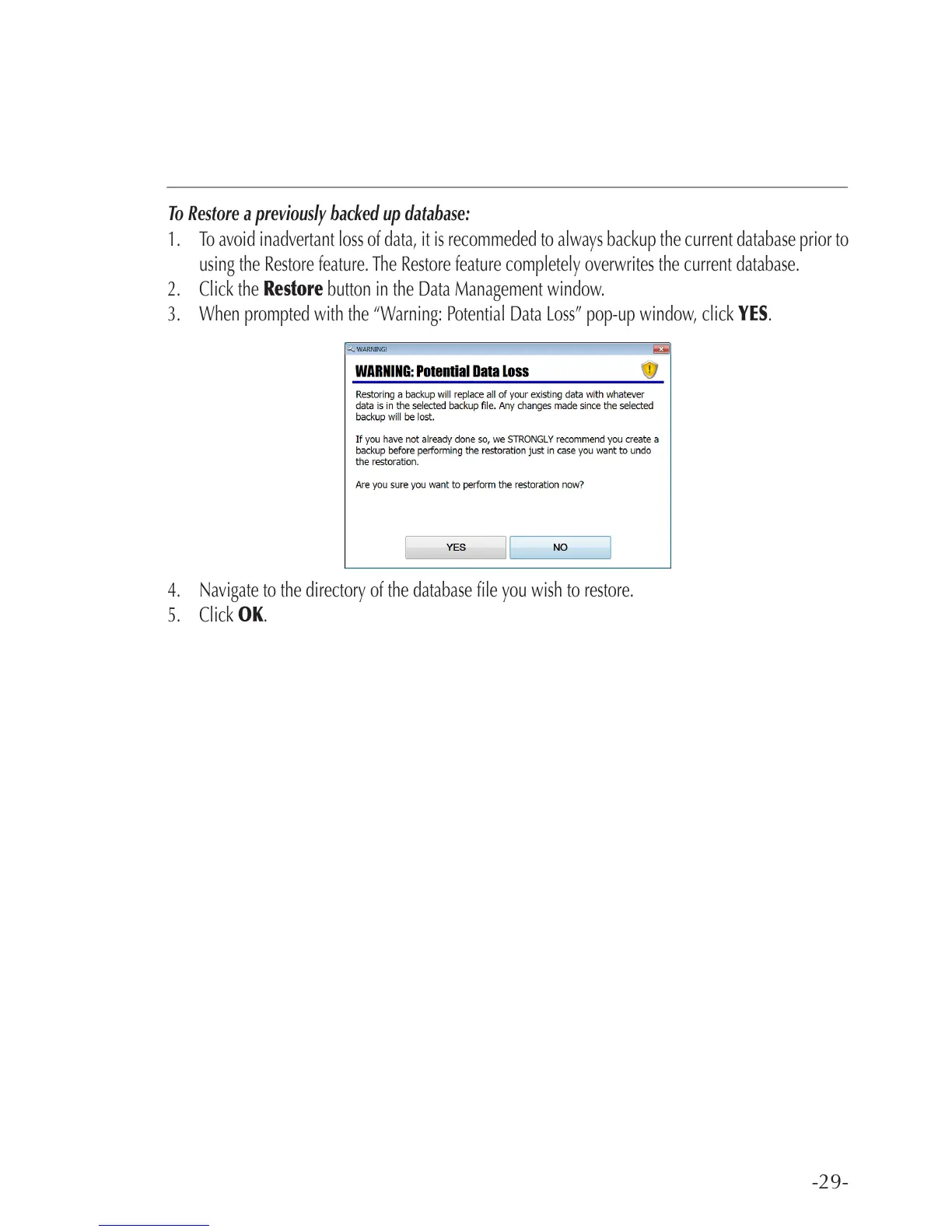
3. When prompted with the “Warning: Potential Data Loss” pop-up window, click YES.
4. Navigate to the directory of the database le you wish to restore.
5. Click OK.



 To Next Page