-30-
RIGISCAN
®
(User Guide)
To Clean Up database:
1. To avoid the inadvertant deletion of important data, it is strongly recommended to backup the
database prior to using the DB Clean Up feature.
2. Click the DB Clean Up button.
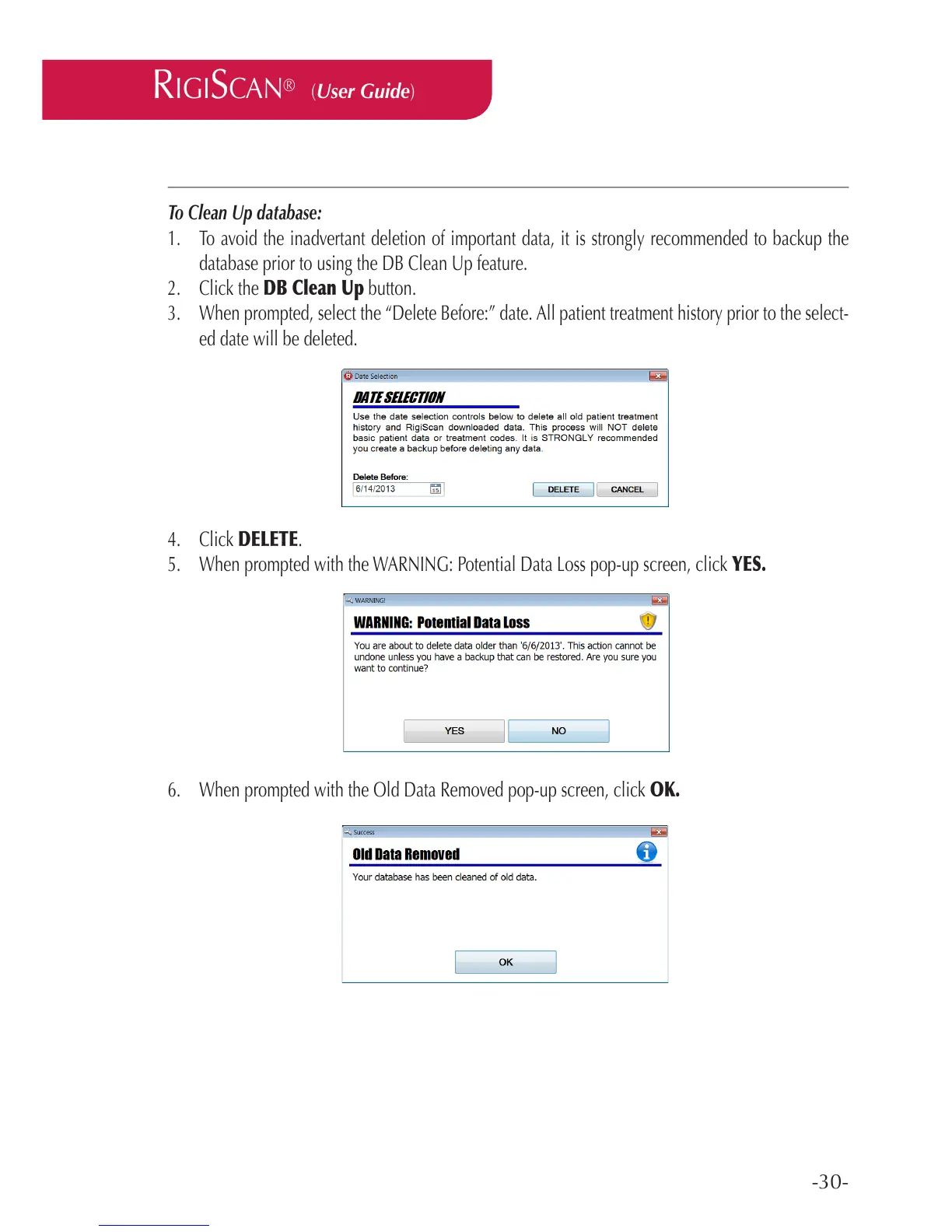
3. When prompted, select the “Delete Before:” date. All patient treatment history prior to the select-
ed date will be deleted.
4. Click DELETE.
5. When prompted with the WARNING: Potential Data Loss pop-up screen, click YES.
6. When prompted with the Old Data Removed pop-up screen, click OK.



 To Next Page