5.2UART SLAVE Reference Design Project
5.2 UART SLAVE Reference Design Project
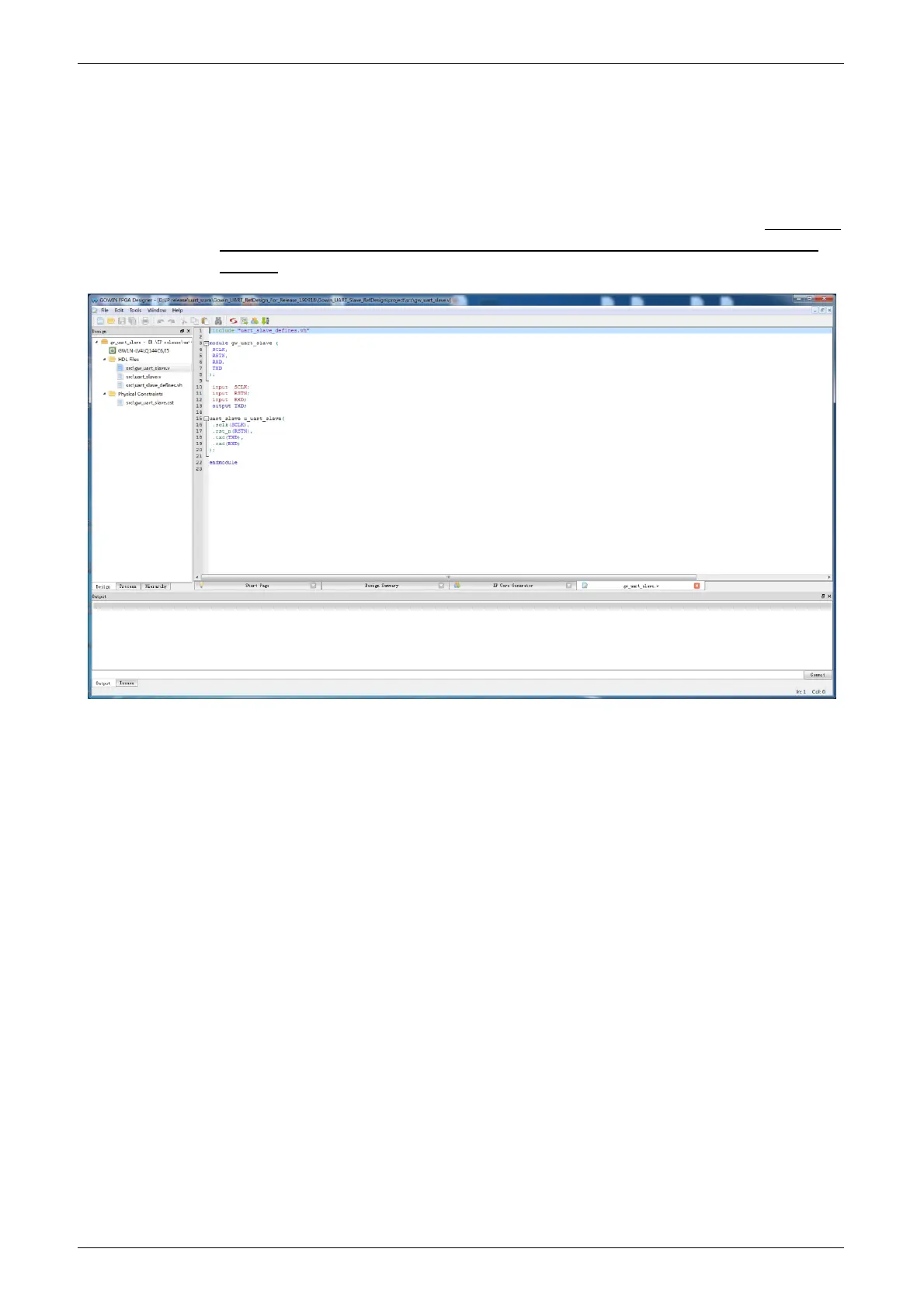
Open Gowin YunYuan software, click “File > Open” to open the “Open
File” dialog box, select the project file (*.gprj), and then open the project, as
shown in Figure5-2.
There are three menthods to open the project. Please refer to SUG100,
Gowin YunYuan Software User Guide > 5 Operation > Open an Existing
Project.
Figure5-2 Open UART SLAVE Project
5.3 Bitstream File Generation
Under necessary constraints, bitstream file can be generated after
synthesis, plancement and routing. Download the bitstream file to the
development board or test board via Gowin USB cable. Observe the
communication via the test interface.



 To Next Page