Operation
312759W 55
Change Operating Mode
The available operating modes are Shot, Sequence,
Operator (Manual), Recirculation, and Disabled mode.
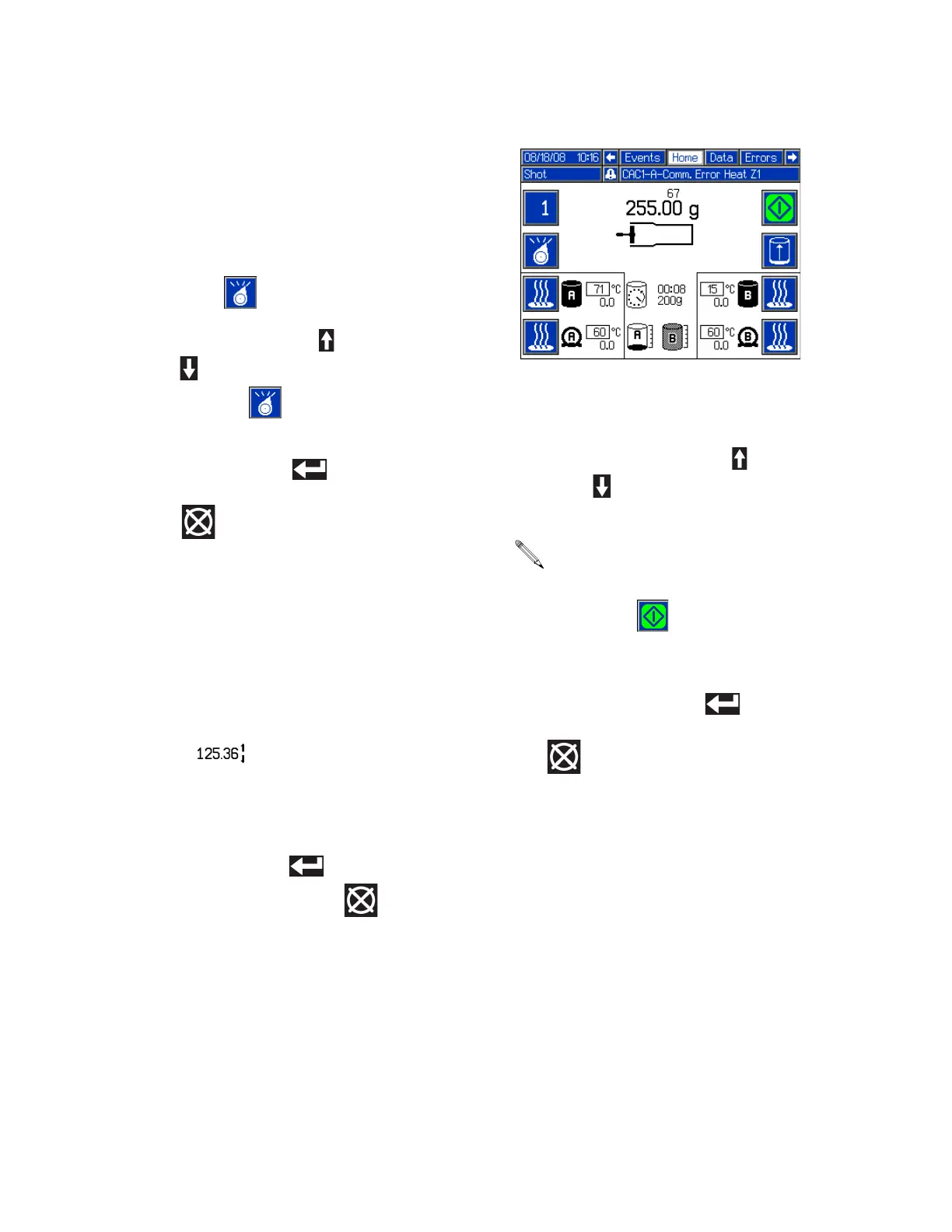
The active operating mode name will be shown on the
Home screen under the date and time. See F
IG. 35 on
page 54.
1. From the Home screen, press the Select Operating
Mode button ( ).
2. Press the Up Arrow button ( ) or the Down Arrow
button ( ), or repeatedly press the Select Operat-
ing Mode button ( ) to scan through the operat-
ing modes.
3. Press the Enter button ( ) to accept the
selected operating mode or press the Abort/Cancel
button ( ) to keep the current mode.
Change Active Shot Size Definition from
Home Screen
1. Select Shot or Sequence Mode. See Change Oper-
ating Mode, page 55.
2. Select the shot to change.
3. Press and hold the Shot/Sequence button (BA) for
four seconds. Arrows will be displayed next to the
shot size ( ) indicating that the value may be
changed.
4. Use the numeric keypad or the arrow buttons to
change the shot size.
5. Press the Enter button ( ) to accept the value or
press the Abort/Cancel button ( ) to keep the
previous value.
Shot Mode Operation
Change Active Shot
1. Press the Active Shot/Sequence button (BA).
2. Press the Up Arrow button ( ) or the Down Arrow
button ( ) or use the numeric keypad to enter the
shot number.
3. Press the Enter button ( ) to accept the new
Shot Number or press the Abort/Cancel button
( ) to keep the previous Shot Number.
When typing in the shot number using the numeric
keypad, a shot with a zero quantity may be entered.
The machine will give an error when the Start/Stop
Shot button ( ) is pressed if a zero-quantity
shot is selected.



 To Next Page