Operation
34
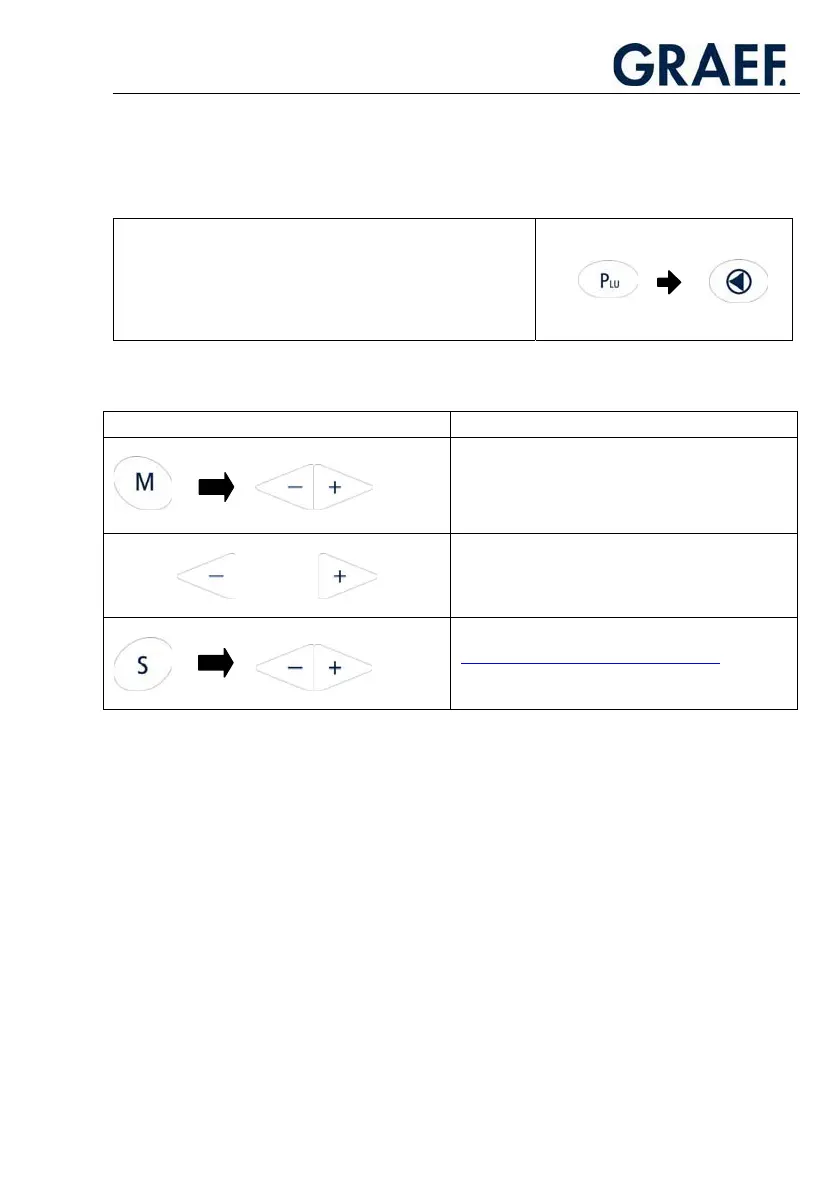
x Press the PLU button.
x Use the arrow buttons (plus/minus) to select the desired PLU programme number.
x Use the slicing thickness control to adjust the slice thickness stored in the PLU.
x Use the yellow Start button to start the cutting process.
NOTE
To access the standard mode (PLU 0000)
again from the PLU mode, press the PLU
button and then press the Reset button
immediately.
!
You can select the following functions in PLU mode:
Buttons Function
Change the idle time between two placing
patterns.
Change the portions.
Change the stroke speed.
Only for fully automatic machines.
3.4.4. Programming a PLU
Access the programme menu by pressing buttons M+PLU.
IMPORTANT!
Always press and hold the “M“ button and then press the “PLU“ button in addition"
Use the -/+ button to select “PLU”.
!



 To Next Page